


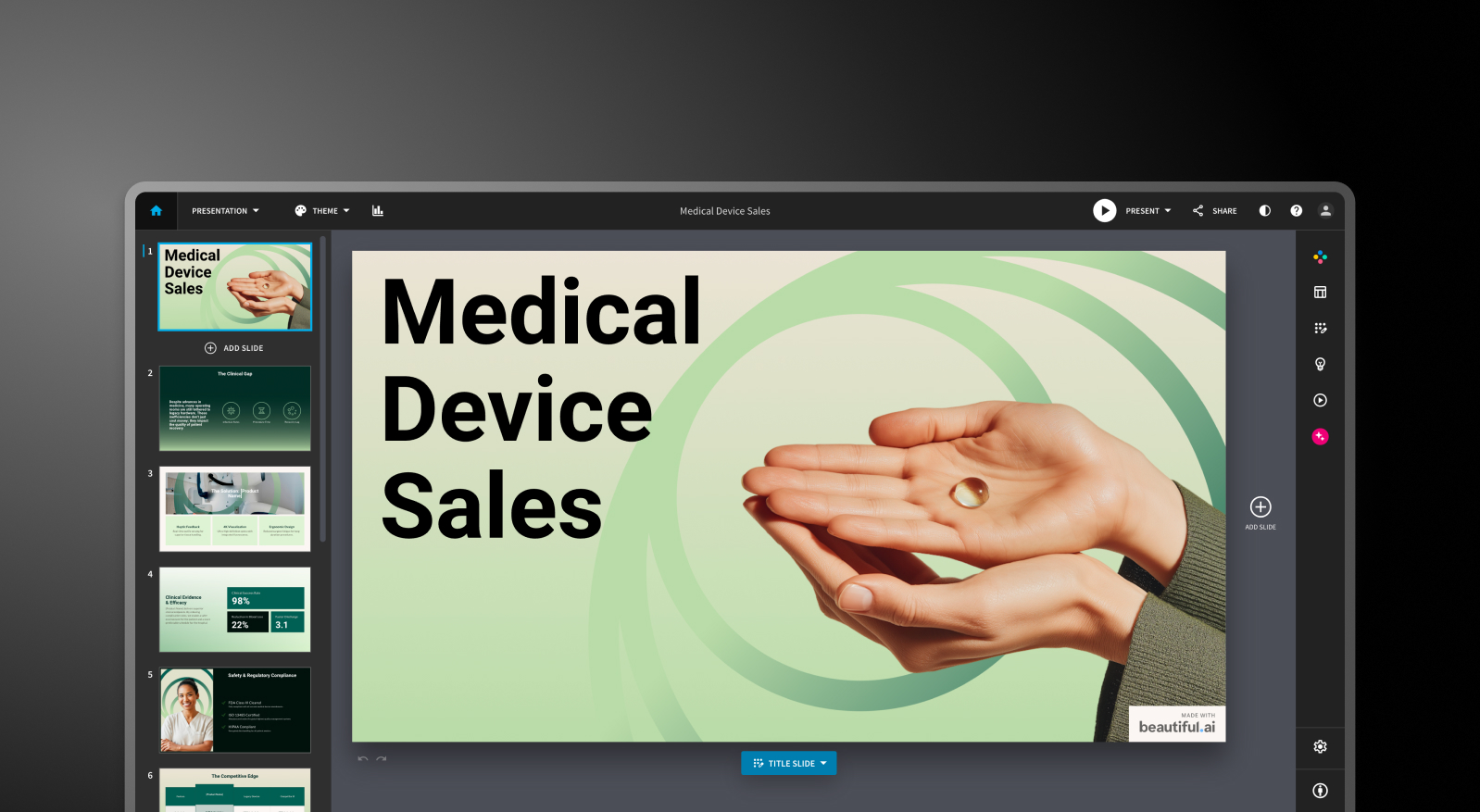

Beautiful.ai vs Presentations.AI: At a Glance
Beautiful.ai delivers on its core promise: slides that look consistent without needing design expertise. Smart templates adapt as you type, formatting stays clean, and the output looks professional. For simple internal presentations, that's enough.
But business presentations rarely start from scratch. They start from reports, PDFs, and data, and Beautiful.ai can't work with any of that directly. Everything has to be typed in by hand, brand setup happens presentation by presentation, and PowerPoint exports have well documented issues.
As an AI presentation maker, Presentations.AI handles the actual workflow. Upload a document, get a structured narrative, have your brand applied automatically from your company URL, and export a high-fidelity .pptx that works the first time. For teams creating presentations that need to close deals, secure funding, or move a decision forward, that's a meaningfully different starting point than a design tool.
How Beautiful.ai Works
Step 1: Read your source material and extract key points manually. There's no document upload, so everything starts with manually pulling text from your reports or data.
Step 2: Open Beautiful.ai and choose a template. Select from a professional but limited template library. Smart templates adapt as content is added.
Step 3: Copy and paste content. Input text manually into template placeholders, slide by slide.
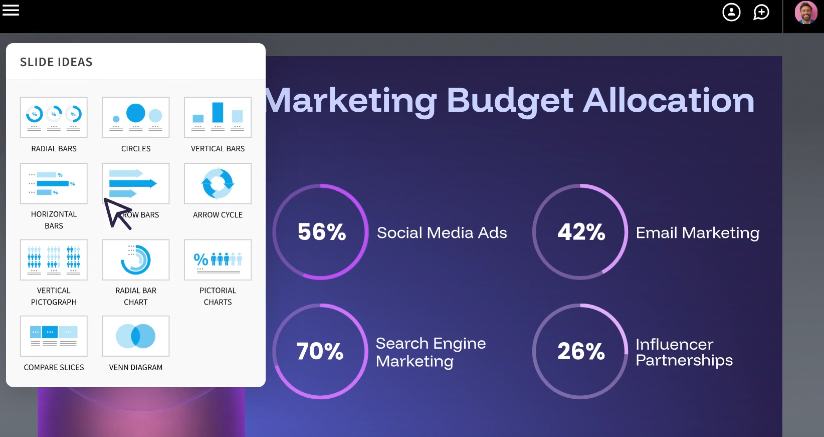
Step 4: Apply your brand manually. Set colors, fonts, and logos by hand, since there's no automatic brand extraction or centralized governance.
Step 5: Export to PowerPoint and fix issues. Export the .pptx and address the formatting errors users consistently report, like missing fonts, overlapping layouts, and broken animations. Budget 45+ minutes for cleanup.
Step 6: Share with your team. Distribute the finished file once the manual fixes are done.
Beautiful.ai Pricing
Beautiful.ai doesn't offer a permanent free plan. Every plan starts as a 14-day trial that requires a credit card and bills automatically if you don't cancel.
For a deeper breakdown of plans, costs, and trial terms, check out our detailed guide on Beautiful.ai pricing.
It explains what each plan includes and what to know before starting the 14-day trial.
How Presentations.AI Works
Step 1: Upload your report or document. PDF, Word doc, or URL: Presentations.AI reads and understands your source material directly.
Step 2: AI extracts and structures content. The AI builds a narrative from your document, with a proper story arc and business logic, rather than just formatted text.
Step 3: Brand applied automatically. Colors, fonts, and logos are pulled from your company URL and applied across every slide instantly, with no manual setup.
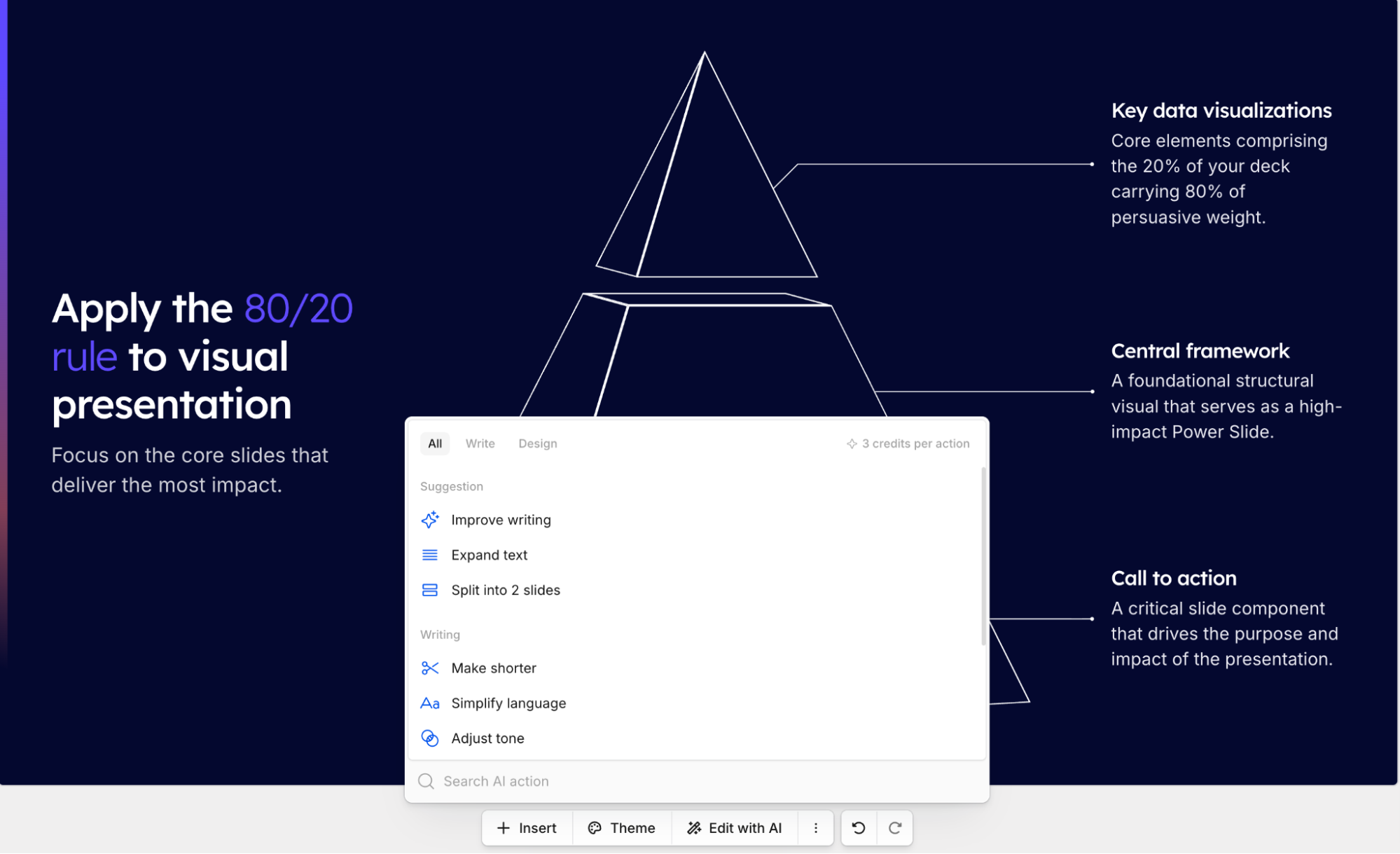
Step 4: Export a finished PowerPoint. A high-fidelity .pptx with animations intact, opens cleanly in PowerPoint, no fixes or cleanup needed.
Step 5: Share with your team. Distribute immediately, with real-time collaboration and engagement analytics available from the same platform.
5 Reasons Teams Choose Presentations.AI Over Beautiful.ai
1. Document Intelligence vs. Template Input
Beautiful.ai requires manual copy-paste from your source material. Presentations.AI reads your PDF or Word doc directly and structures it into a presentation automatically.
2. Automatic Brand Governance
Beautiful.ai applies your brand manually, one presentation at a time. Presentations.AI extracts it from your company URL once and applies it automatically across every deck your organization creates.
3. Error-free Exports
Beautiful.ai users often report exports full of formatting errors. Presentations.AI outputs a native, high-fidelity .pptx with no cleanup, no reformatting, and no lost animations. For the full rundown of what Beautiful.ai does well and where it struggles, see our complete beautiful ai review.
4. Built for Enterprise Procurement
Both platforms are now SOC 2 Type II certified, so certification alone won't settle a procurement review. Presentations.AI backs it up with full audit trails and granular access controls, along with a document import workflow that lets security and compliance teams see exactly what's going into a deck before it's built.
5. 10,000+ Templates
More business-specific templates, including investor pitches, QBRs, board reports, and sales decks, all designed for how business presentations actually get used.
Where Template Automation Hits Its Limits
Beautiful.ai makes slides look professional through template automation. For internal updates or simple presentations, it works. But most business presentations start with existing content — reports, documents, data. Beautiful.ai can't handle that. You're manually copying content into templates, hoping exports work, and still managing brand consistency presentation by presentation.
Presentations AI solves the actual workflow: upload your document, get a structured ai presentation, maintain brand automatically, export to PowerPoint without issues.
Beautiful.ai vs Presentations.AI: Which Should You Choose?
If your presentations are usually short, internal, and built from scratch, like a quick team update or a simple pitch, Beautiful.ai's Smart Slides can get you a clean, consistent-looking deck fast.
If your presentations usually start from something that already exists, like a report, a brief, or a set of notes, and the outcome actually matters (closing a deal, securing budget, getting a round funded), Presentations.AI is built specifically for that job: document import, automatic brand sync, and a PowerPoint export that works the first time.


