Word to PPT

Word to PPT Converter: Convert Word to PowerPoint Free

Turn any Word document into a polished slide deck in under a minute. Upload your DOC or DOCX file and our AI builds the slides for you, fully editable, on-brand, and ready to share.

Free Word to PowerPoint conversion

Works with DOC and DOCX files

Download as editable .pptx

Turn reports, proposals, SOPs, and business plans into an editable, on-brand deck.

Upload the Word file and the AI rebuilds it into proper slides in under a minute, ready to present or export.

Try Word to PPT for Free

Why Convert Word to PowerPoint?

Word documents are made for reading. Slides are made for showing, to a room, a client, a team, or an investor. They hold attention better. They are easier to follow. And they are the format people expect when you are presenting.

Most people still convert Word to PowerPoint by hand. They open a blank deck, copy a chunk of text, paste it on a slide, fix the formatting, and repeat. It takes hours. Tables come out wrong. Headings get lost. Images end up in the wrong place.

Our Word to PPT converter does all of this for you in under a minute. It reads your full document, pulls out the key points, and turns each section into a proper, editable slide. Headings become slide titles, tables stay tables, and nothing lands as a wall of text.

Use it for:

  • Sales pitches from your one-pager or proposal
  • Training decks from your SOPs and process docs
  • Client presentations from your reports
  • Investor decks from your business plan
  • Webinar slides from your script

Working from notes or a script instead of a Word file? Our text to ppt tool turns plain text into slides the same way.

How to Convert Word to PPT Online in 6 Steps

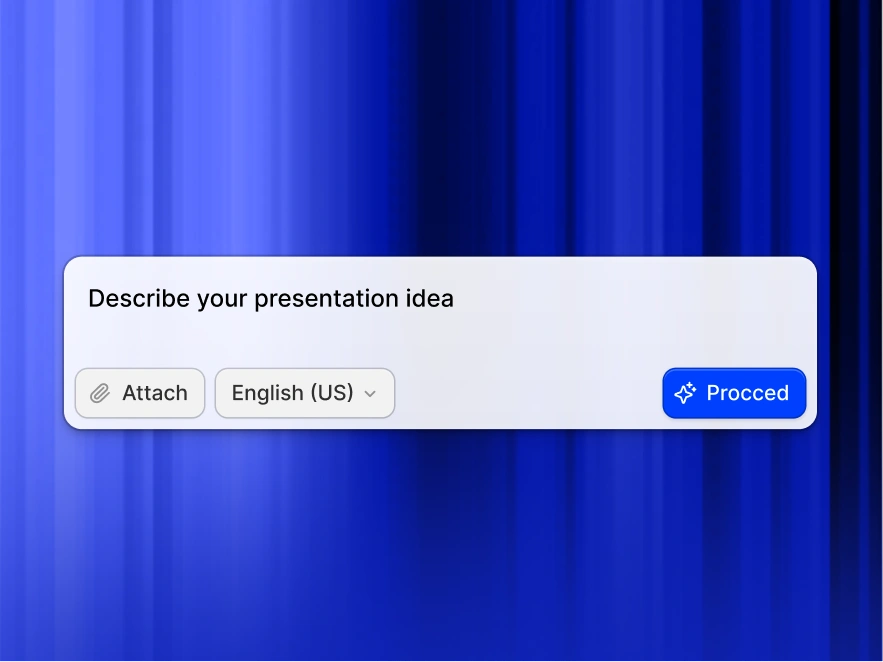
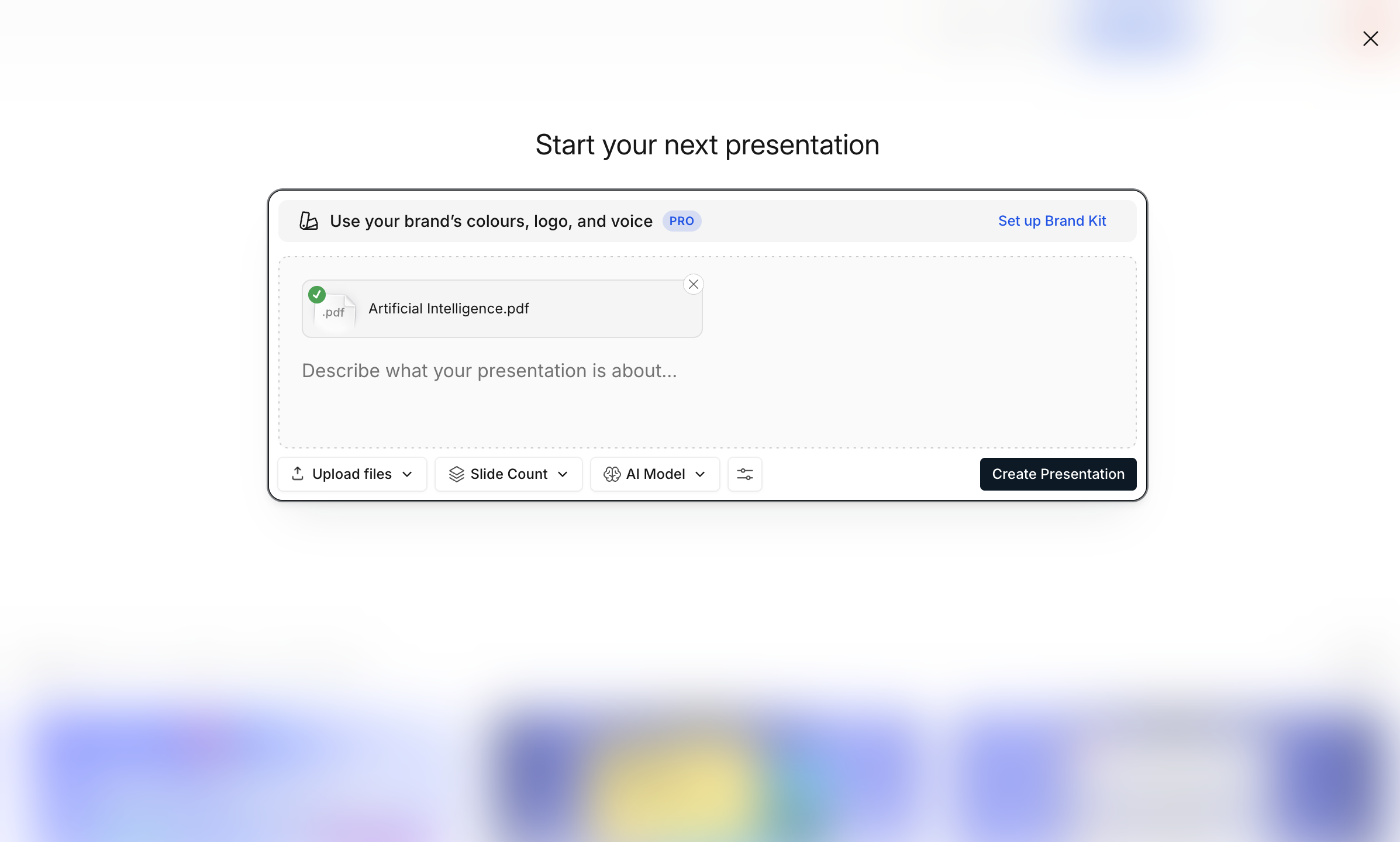
Step 1: Import your Word file

Drag in your Word file (.doc or .docx). Reports, proposals, SOPs, business plans, any Word document works.
Import

Have the file as a PDF instead? Our PDF to PPT converter handles that format too.

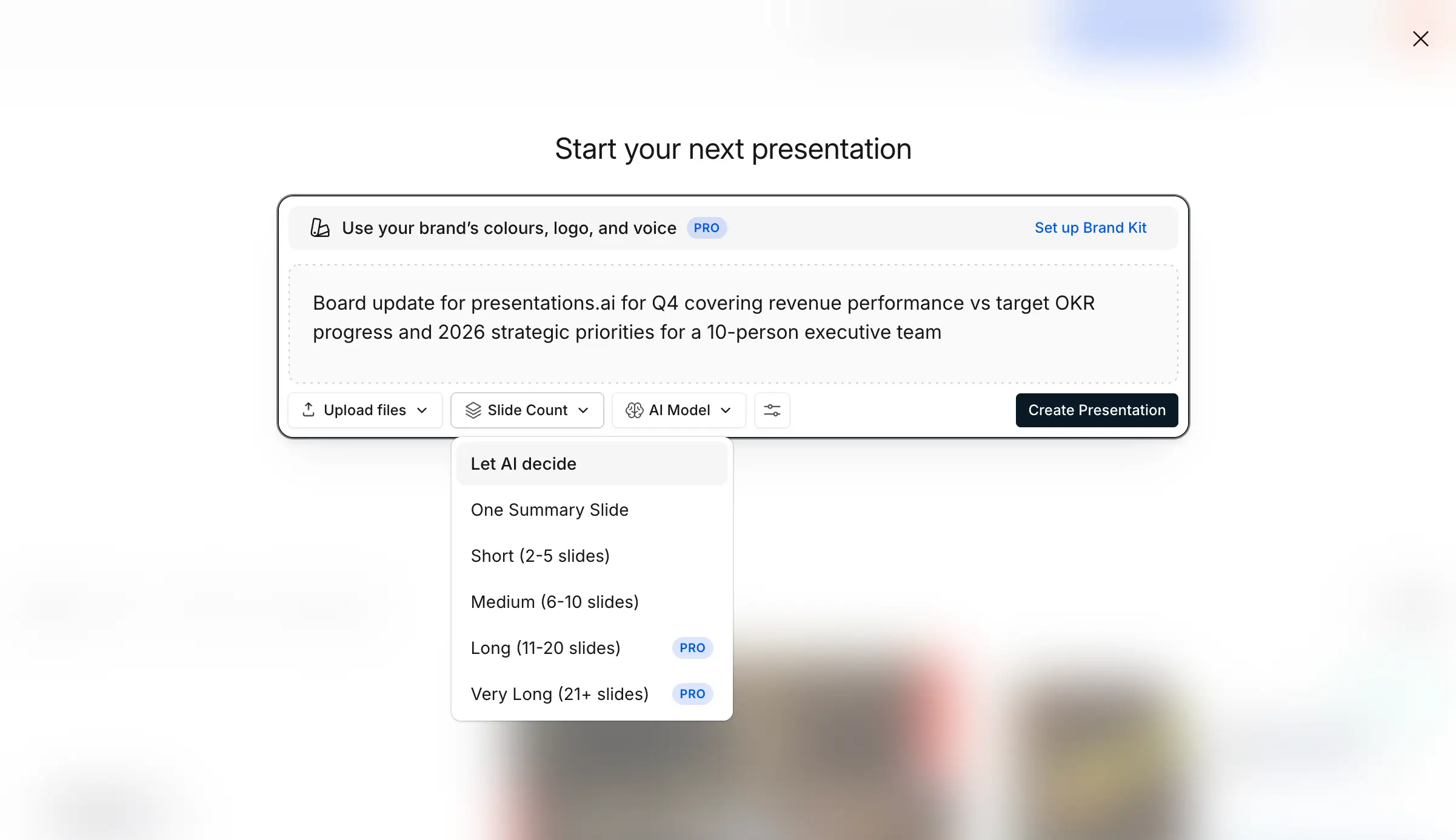
Step 2: Set your presentation preferences

Tailor the conversion to your needs. Pick how many slides you want, select your preferred language, and define who'll be viewing this. The AI shapes content depth and visual style around your specifications.
Slide count

Step 3: Click once to generate your PowerPoint

Click convert. The AI dissects your document structure, extracts core messages, surfaces supporting data, and maps everything into presentation logic. Not reformatting, but a total transformation.
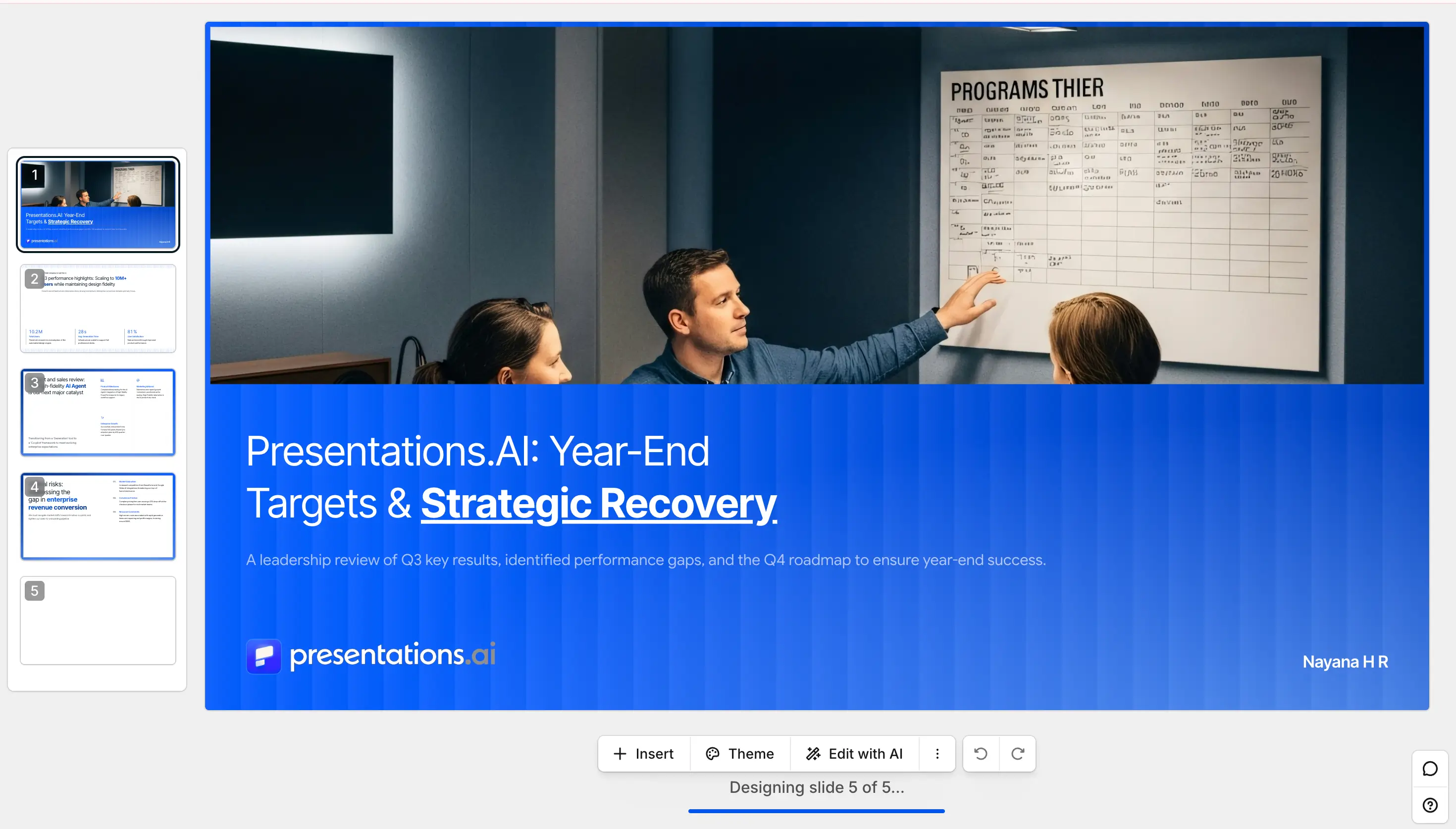
Step 4: Preview your deck

View immediately in slideshow mode. Clean, editable slides with logical sections, smooth transitions, emphasized key points, and presentation-ready data layouts, no paragraph dumps.

Preview Image

Step 5: Polish and personalize as needed

Dive into the AI-generated deck and tweak anything you want, swap text, change images, adjust layouts, add slides, or fine-tune anything directly in the built-in editor. Full control over the finished product.
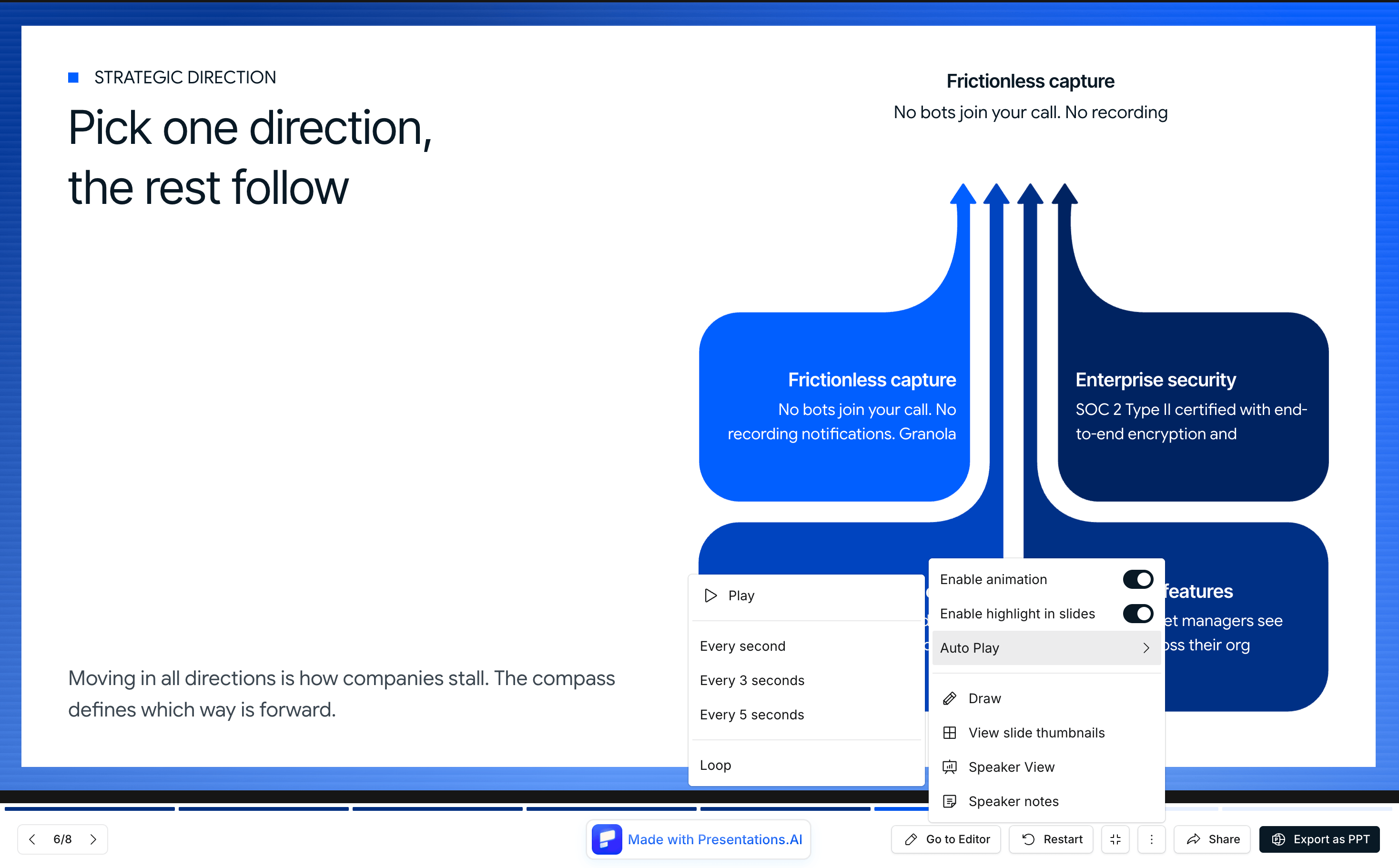
Present screen

Step 6: Share anywhere

Happy with how it looks? Share it with everyone by creating a presentation link, or loop in specific team members to collaborate on edits. You can also download it as a PDF or use the fully-editable PowerPoint file.
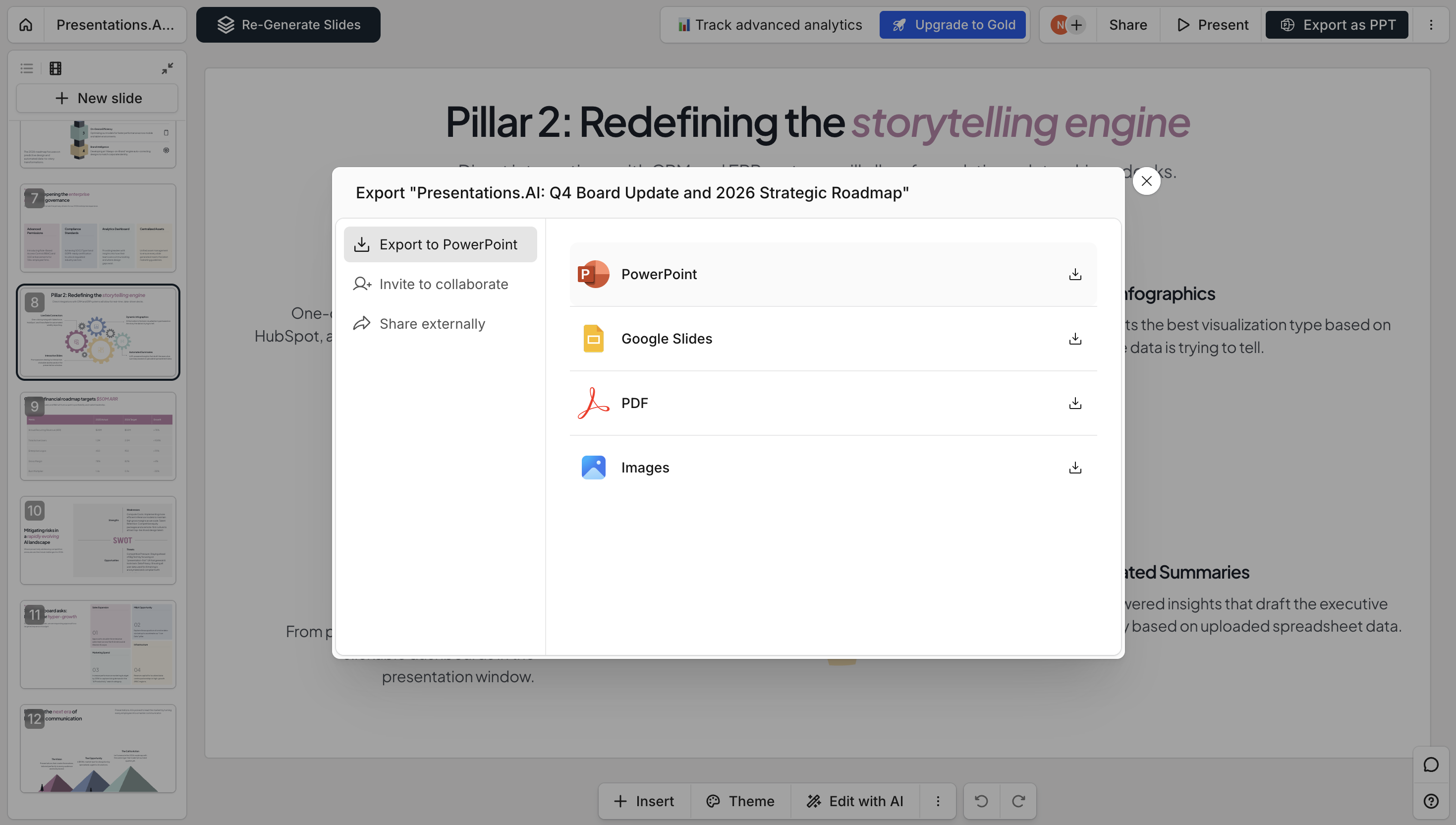
Share Image

Why Choose Presentations.ai to Convert Word to PPT?

AI reads your doc, it does not just copy text to slides.

Most Word to PPT converters paste your text straight onto blank slides. You end up with walls of text no one will read. Same content, different file format. That's not a presentation.

Ours is different. Our Word to PPT converter reads the whole document, finds the key ideas, and rewrites the content as proper slide copy. Short headlines. Clear bullets. Real talking points. The kind of slides you'd actually use in a meeting.

Auto brand kit: your colors, fonts, and logo on every slide.

Upload your logo once. Set your brand colors. Pick your fonts. From then on, every deck we build for you uses your brand — automatically.

No more cleaning up slides one by one. No more decks that look off-brand. Every conversion looks like it came from your design team.

Fully editable PowerPoint output

What you get is a real .pptx file. Not a locked PDF. Not a watermarked preview. A proper PowerPoint file you can open in PowerPoint, Google Slides, or Keynote.

Change any text. Swap any image. Move slides around. Add new ones. Everything is yours to edit and keep.

Handles tables, images, and tracked changes

Your Word doc has tables? Charts? Images? Tracked edits from your team? We handle all of it.

Tables come out as clean slide tables. Images go on the right slides at the right size. Tracked changes are accepted before we build the deck, so you do not see anyone's old comments in your final slides.

Works with long documents

Got a 50-page Word file? No problem. Our AI handles long documents and still builds a tight, focused deck.

You don't end up with 80 cluttered slides. You get the right number of slides for what you actually want to say.

Free to start, no signup required

Upload your first Word doc and see the deck before you pay anything. No credit card. No sign-up to try it. If you like it, see our pricing for unlimited conversions and team plans.

Presentations.ai vs Other Word to PPT Converters

Most Word converters dump your text onto blank slides or paste pages as images. Here is how an AI rebuild compares to Word's built-in export, Adobe, and free online converters.

Feature Presentations.ai Word's built-in export Adobe Acrobat Free online converters
Direct Word to PowerPoint Yes — .doc, .docx, .rtf Word for the web only No — Word to PDF to PPT Usually, quality varies
What you actually get Slides rebuilt from your content Headings become titles, text follows PDF pages remapped as slides Text on blank slides, or pages as images
Rewrites content into slide copy Yes No No No
Tables, images, tracked changes All handled Text-only files only Layout preserved, not rebuilt Often breaks
Editable .pptx output Yes Yes Yes Often images or watermarked
Your branding applied automatically Logo, colors, fonts on every deck Generic themes No No
50-page document Condensed into a focused deck Not supported One page per slide One page per slide
Availability Free to start, no signup Being deprecated by Microsoft Paid plan for full features Limits, ads, watermarks

Supported Formats & Specifications

Everything the Word to PPT converter accepts, and everything it gives you back.

  • Input formats: DOC, DOCX, RTF
  • Maximum file size: 50 MB
  • Output formats: PPTX, PDF, or a shareable link
  • Languages: 14+ languages
Divider Lines

Want to Generate a Deck From a Prompt?

Word to PPT is for turning a document you already have into slides. If you would rather start from just an idea, our AI PowerPoint generator builds a full deck from a single prompt.

Build ChatGPT Presentations in Seconds
Divider Lines

Explore More Tools

PDF to PPT

Convert a PDF or Word file back into a fully editable slide deck.

Text to PPT

Prompt with plain text, generate a storyline, and convert it to a deck.

Outline to PPT

Build a deck from your bullet-point outline, and AI turns your structure into fully designed, editable slides.

PPT to PDF

Turn any PowerPoint into a share-ready PDF that keeps your fonts, images, and layout intact.

Word to PPT

Turn a Word document into structured, editable slides.

URL to PPT

Convert any live webpage link into a designed slide deck, with no saving or exporting required.

Divider Lines
Testimonials Background

Testimonials

Hear what teams around the world are saying about Presentations.AI

I needed a pitch deck for investment but had no business background. Your AI created a near-perfect presentation in minutes.

Erin T. Roussey

Erin T. Roussey – Presentations.AI Customer Review

Your product is clearly extremely good with the research part. I got data about the startup that I didn’t even know existed. The design and the animations are also great, and I found the overall product a really helpful, useful and dynamic tool.

Sumer Pandey

Sumer Pandey – Presentations.AI User Testimonial

Your product was very good at creating a presentation based on my prompt and short brief of a technical topic. The subject content generated for the scenarios was particularly interesting in how it was structured and the layout with use of animation was particularly surprising. Overall a game changer!

Chris Greenham

Chris Greenham – Presentations.AI Customer Testimonial

After drafting long documents, I struggle to summarize them and prepare presentations. I found the platform surprisingly intuitive and effective. The quality of the presentation is exactly what we needed for our first client presentation.

Thembinkosi Sibeko

Thembinkosi Sibeko – Presentations.AI User Review
Divider Lines

Word to PPT Converter FAQ

Is the Word to PPT converter free?

Down IconUp Icon

Yes. Upload a Word file and generate a full deck for free, with no signup required to try it. See the deck before you pay anything. Paid plans add unlimited conversions and team features.

What types of Word files can I upload?

Down IconUp Icon

Our Word to PPT converter accepts all current Word formats—.docx, .doc, and .rtf files all work perfectly. Doesn't matter if you created them on Windows, Mac, or online.

How long does it take to convert Word to PPT?

Down IconUp Icon

Under a minute for most documents. Even a 50-page report becomes a focused, editable deck in about a minute.

Will my document formatting survive the conversion?

Down IconUp Icon

The AI smartly adapts PDF formatting for presentation contexts. Bold and italic text stays that way, section headers become slide titles, and dense blocks become clean slide content.

What happens to images and data tables?

Down IconUp Icon

Images come through at full quality and get positioned where they make the most sense. Tables can transform into charts when that's more effective visually, or keep their table format when structure matters.

Can you handle really long documents?

Down IconUp Icon

You bet. Doesn't matter if it's a quick 5-page memo or an extensive 50-page report—the AI scales its approach accordingly, creating concise summaries or detailed presentations as needed. Files up to 50 MB size are supported.

How do you deal with document organization and chapters?

Down IconUp Icon

The AI reads your document's structural blueprint. Major headings become section dividers, sub-headings become individual slides, and the original hierarchy maps naturally to presentation flow.

Can I use documents that have tracked changes or comments in them?

Down IconUp Icon

The converter works with the final document state. Tracked changes get accepted automatically, and comments are stripped out so your presentation stays clean and professional.

How do you process documents with lots of tables?

Down IconUp Icon

Tables get smart treatment. Simple reference tables keep their original structure. Complex data tables can become visual charts. The AI decides the best presentation format for each table.

What happens to my company branding?

Down IconUp Icon

If your Word file already has company branding elements, Brand Sync detects them. Otherwise, set up your brand profile once and every conversion automatically applies your visual identity.

Can I trust you with confidential documents?

Down IconUp Icon

Absolutely. We're SOC 2 Type II certified and encrypt everything during processing. Documents are deleted after conversion. Enterprise plans add SSO, audit logs, and dedicated infrastructure.

Word to PPT converter vs Word's built-in export, which is better?

Down IconUp Icon

Microsoft is deprecating its built-in export, and it only ever worked in Word for the web on English, text-only files, dropping document pages onto slides. Our AI redesigns your content into presentation-optimized slides with proper visuals and flow.