Free URL to PPT Converter

URL to PowerPoint Converter That Gets It Right

Paste any web link - blog post, article, news page, or YouTube video - and the AI turns it into an editable PowerPoint deck in seconds.

Free URL to PowerPoint conversion

Works with any webpage

Exports to editable .pptx

Turn articles, competitor pages, docs, and YouTube videos into an editable, on-brand deck.

Paste the link and the AI rebuilds it into proper slides in about 30 seconds - ready to present or export.

Try URL to PPT for Free

The URL to PPT Challenge We Sorted

Your reality right now: A brilliant article that needs to become tomorrow's team presentation. A competitor's webpage that needs analysis slides. A YouTube transcript that should be training material.

Manual conversion is torture

Copy-paste gymnastics. Screenshot quality that embarrasses you. Formatting that fights back. Three hours later, you've built mediocre slides and lost your enthusiasm.

Our URL to PowerPoint converter delivers

Paste any link. Watch our AI extract content, understand structure, and generate presentation-ready slides. Complete with visuals, animations, and your brand identity. No URL? The AI PPT maker can also build a full deck from just a topic or a few lines of text.

How to Convert URL to PowerPoint Presentations

Step 1: Navigate to your dashboard and select "Import docs or links"

Visit your dashboard and select the option to import either using webpages, blogs post and articles into the system. Drop in any webpage link. Blog posts, news articles, documentation pages, YouTube videos, company websites—our URL to PPT converter handles them all.
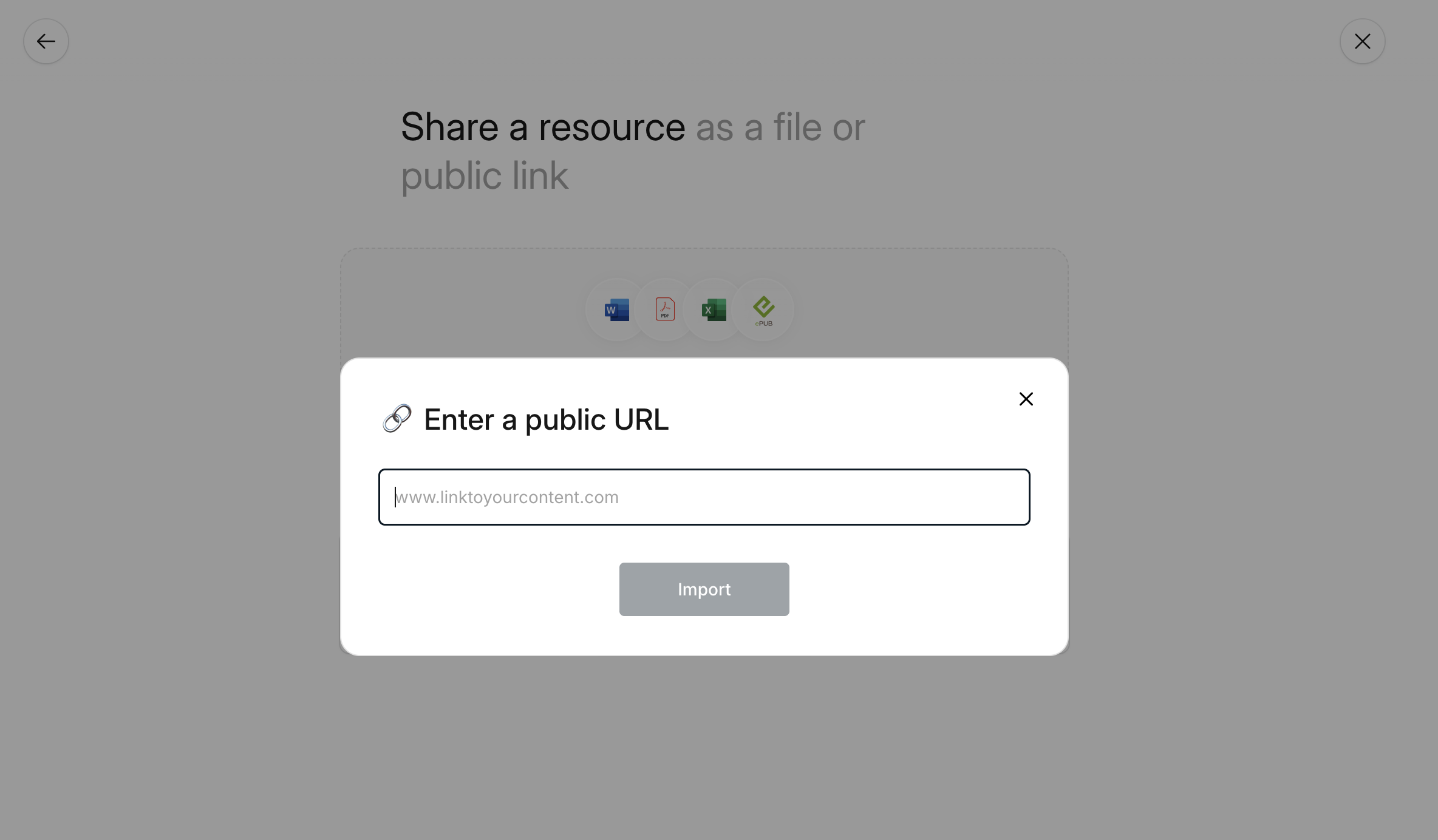
Import URL

Supported URL sources:

  • Blog posts and articles
  • News sites and magazines
  • YouTube videos (with transcripts)
  • Documentation and wikis
  • Company landing pages
  • Research publications online

Step 2: Generate the deck

Convert the given link with a single click! Our converter doesn't just scrape; it comprehends. The AI identifies main points, supporting details, media elements, and information hierarchy. In 30 seconds, your URL transforms into a complete PowerPoint presentation. Our powerful AI will customise the presentation to showcase your idea and ensure that other instructions such as language and tone are complied with.
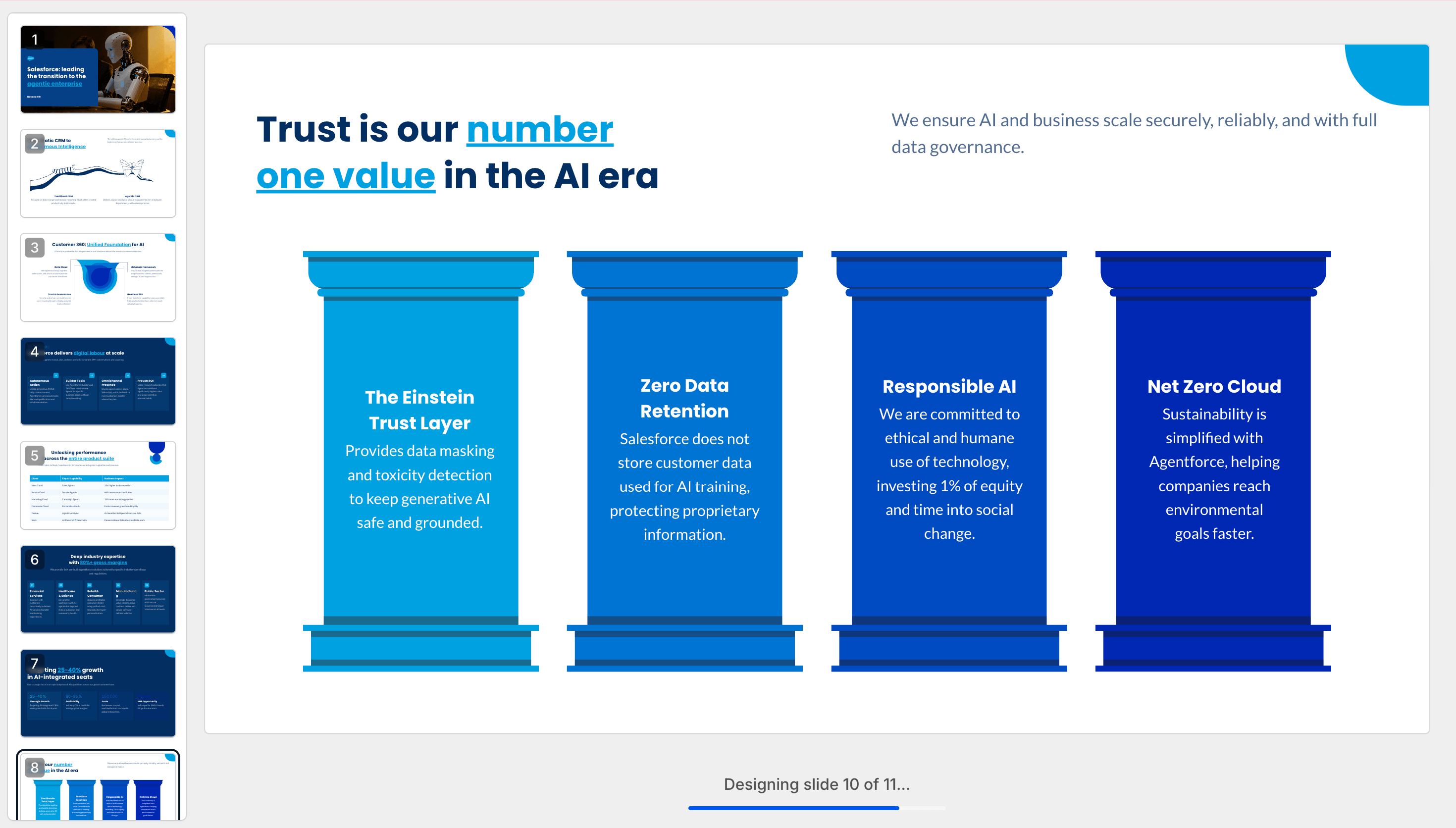
Creation

PRO TIP: Add your company URL during conversion. Brand Sync automatically applies your exact colours, fonts, and logo to every slide.

Step 3: Review Your Converted Presentation

Preview immediately as a slideshow. Unlike basic PDF to PPT tools that create static images, you get:

Present screen
  • Fully editable PowerPoint elements
  • Preserved formatting and structure
  • Professional transitions
  • Speaker notes from PDF annotations
  • Clickable hyperlinks maintained

Step 4: Make any changes you deem fit

You can expand on the AI-generated draft and effortlessly make any changes you wish to the text, images or layouts from right within the editor. You can also add more slides if you wish to do so.
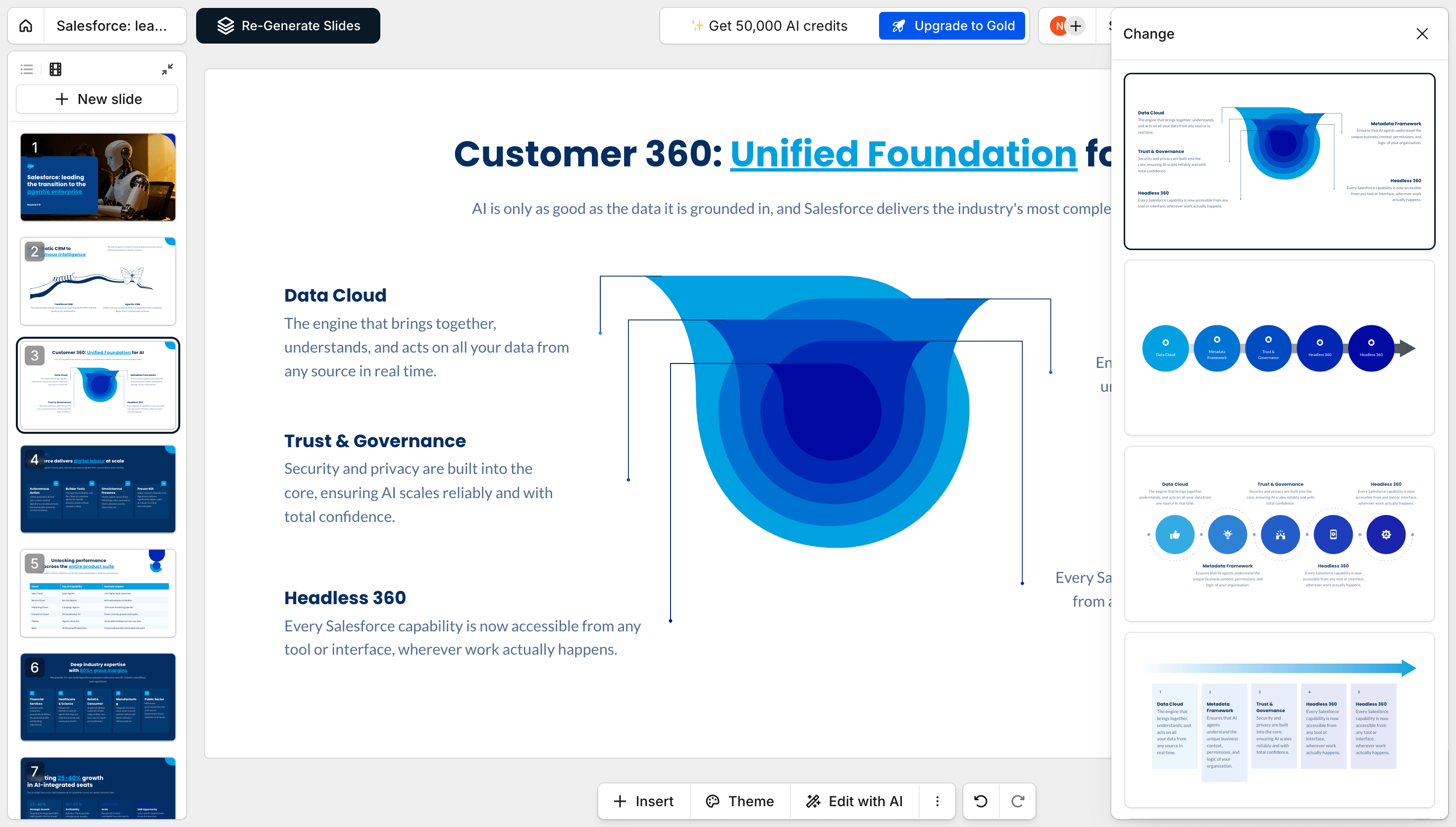
Explore updates
  • "Summarize to 10 slides" - Executive summary creation
  • "Add speaker notes" - Generate presentation talking points
  • "Modernize design" - Update dated PDF layouts
  • "Create sections" - Add logical chapter breaks

Step 5: Share Anywhere

Once you are satisfied with the output, you can share your deck with the world by publishing it as a link or you can invite selected team mates to view and edit it with you. You can also export it to PDF or a fully-editable PowerPoint if you wish to do so.

Share Externally
  • PowerPoint (.pptx): Full fidelity, editable elements
  • PDF: Professional documents with working links
  • Share Link: Present from any browser
  • Image Files: PNG/JPG for individual slides

Why Our URL to PowerPoint Converter Dominates

Content Intelligence Beyond Scraping

Basic URL to PPT tools copy text. We understand context. A 5,000-word article becomes a focused 12-slide story. A product page becomes a competitive analysis. A video becomes training material. That same intelligence runs across every tool in Presentations.AI.

Web-Aware Presentation Design

Webpages are for browsing. Presentations are for communicating. Our AI restructures web content for audience impact; long paragraphs become bullets, embedded data becomes charts, screenshots become slide backgrounds.

Real-Time Web Extraction

Fresh content, every time. Our URL to presentation converter pulls live data, ensuring you always work with current information. No cached, outdated content.

Complex Page Handling

JavaScript-heavy sites? Paywalled content you can access? Multi-media pages? Our converter navigates modern web complexity that breaks other tools.

Supported Formats & Specifications

  • Input: Any public URL — blog posts, articles, news sites, documentation and wikis, company pages, research publications, and YouTube videos (with transcripts)
  • Output: PPTX, PDF, PNG/JPG for individual slides, or a shareable link
  • Languages: 14+ with automatic detection
  • Note: JavaScript-heavy and paywalled pages are supported where you already have access. We don't bypass paywalls or access restrictions.

Divider Lines

Explore More Tools

PDF to PPT

Convert a PDF or Word file back into a fully editable slide deck.

Word to PPT

Turn a Word document into structured, editable slides.

Text to PPT

Prompt with plain text, generate a storyline, and convert it to a deck.

Divider Lines
Testimonials Background

Testimonials

Hear what teams around the world are saying about Presentations.AI

I needed a pitch deck for investment but had no business background. Your AI created a near-perfect presentation in minutes.

Erin T. Roussey

Erin T. Roussey – Presentations.AI Customer Review

Your product is clearly extremely good with the research part. I got data about the startup that I didn’t even know existed. The design and the animations are also great, and I found the overall product a really helpful, useful and dynamic tool.

Sumer Pandey

Sumer Pandey – Presentations.AI User Testimonial

Your product was very good at creating a presentation based on my prompt and short brief of a technical topic. The subject content generated for the scenarios was particularly interesting in how it was structured and the layout with use of animation was particularly surprising. Overall a game changer!

Chris Greenham

Chris Greenham – Presentations.AI Customer Testimonial

After drafting long documents, I struggle to summarize them and prepare presentations. I found the platform surprisingly intuitive and effective. The quality of the presentation is exactly what we needed for our first client presentation.

Thembinkosi Sibeko

Thembinkosi Sibeko – Presentations.AI User Review
Divider Lines

URL to PPT Converter FAQ

What is a URL to PPT converter?

Down IconUp Icon

A URL to PPT converter is a tool that turns the content of any public web page into an editable PowerPoint presentation. You paste a link and the AI reads the page, structures the key points into slides, and applies a design. Presentations.AI produces the finished deck in about 30 seconds with native PPTX export.

How do I convert a URL to a PowerPoint?

Down IconUp Icon

To convert a URL to a PowerPoint, paste the link into the Presentations.AI URL to PPT converter. The AI reads the page, builds the slide structure, writes the copy, and applies brand styling, then gives you an editable deck you can export as a native .pptx file.

What types of URLs can I convert to a presentation?

Down IconUp Icon

You can convert any public URL, including blog posts, articles, news pages, documentation, company pages, and YouTube videos. The AI pulls the key ideas from the page and turns them into a structured slide deck.

Can I convert a YouTube video to a PowerPoint?

Down IconUp Icon

Yes, you can convert a YouTube video to a PowerPoint by pasting the video URL. The AI uses the video content to build a structured, editable slide deck that you can export as a native .pptx file.

How long does it take to convert a URL to PPT?

Down IconUp Icon

Converting a URL to a PowerPoint takes about 30 seconds with Presentations.AI. You paste the link and the AI returns a complete, designed deck ready to review, edit, or export.

Can I edit the slides after converting a URL?

Down IconUp Icon

Yes, every slide is fully editable after conversion. You can change the text, swap images, reorder slides, or update colors in the drag-and-drop editor before you export or share the deck.

Can I export the converted deck as a native PowerPoint file?

Down IconUp Icon

Yes, you can export the converted deck as a native .pptx PowerPoint file with editable text, shapes, and layouts, not a flat image. You can also export to PDF or share it as a live link.

Is the URL to PPT converter free?

Down IconUp Icon

Yes, the Presentations.AI URL to PPT converter is free to use with no credit card required. Paid plans add more credits, advanced AI models, Brand Sync, analytics, and team features.

Will the converted presentation match my brand?

Down IconUp Icon

Yes, the converted presentation can match your brand automatically. Brand Sync applies your logo, fonts, and colors so the deck is on-brand from the first slide with no manual styling needed.

Do I need to install anything to use the URL to PPT converter?

Down IconUp Icon

No, you do not need to install anything. The URL to PPT converter runs in any modern web browser, so you can convert a link to a PowerPoint without downloading software.