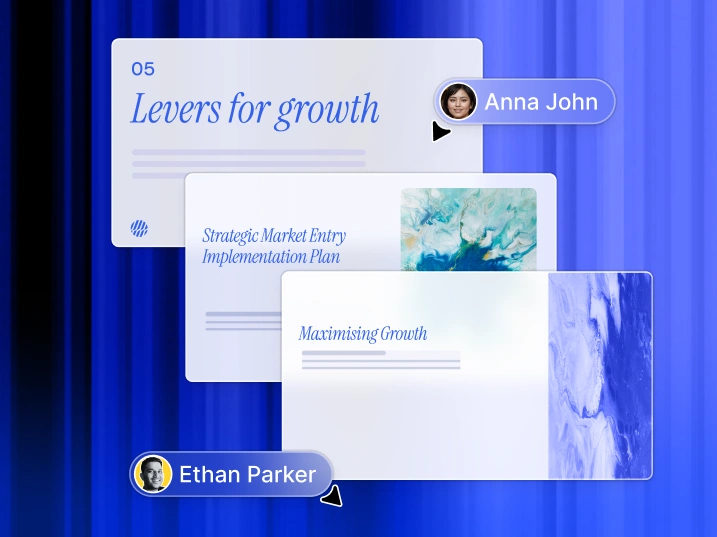
High-Quality AI Presentations in Minutes
Create high-quality, on-brand AI presentations at scale. Generate editable PowerPoint files faster than ever.
Trusted by over 12 million customers
TRUSTED BY






Backed By



OVERVIEW
What is Presentations.AI?
Presentations.AI is an AI presentation platform that turns ideas, documents, and URLs into professional slide decks in minutes. It automatically applies your brand, helps create compelling content, and exports directly to PowerPoint, making it effortless to go from concept to presentation-ready deck.
Team
Built by a Team That Understands High-Stakes Presentations
Presentations.AI was founded by Sumanth Raghavendra, Dhruv Saxena, Biju Abraham, Ravi Kasthuri, Saravanan Govindaraj and Ezhilkumar, and built by a 30-person team bringing two decades of enterprise software experience.
Product Suite
Everything You Need to Build a Presentation with AI
Every tool here runs on the same Presentations.AI engine - pick the entry point that matches how you already work.

AI Presentation Maker:
The end-to-end tool for building a full deck from scratch. Turn a prompt, document, or URL into a complete, on-brand presentation - structure, flow, and design already handled.

AI Slide Creator:
A slide-by-slide creator for shaping one slide at a time. AI drafts each slide; you drag, drop, and refine with full manual control.

AI Pitch Deck Generator:
A pitch-focused version of the maker, pre-loaded with the slide order and narrative investors expect - problem, solution, market, traction, and the ask.

ChatGPT for Presentations:
A bridge for ChatGPT users. Paste a prompt or an existing conversation, and Presentations.AI turns it into a finished, on-brand deck.

Presentation Templates:
A library of 1000+ full-deck templates, each built for a specific use case like sales, board meetings, and product launches. Pick one and fill it in.

Slide Templates:
A collection of single-slide layouts you can drop into any deck - for filling a specific gap like a timeline, comparison, or team slide.
BUILT FOR BUSINESS
The World's Most Popular AI Presentation Maker For High-Stakes Presentations

SOC 2 Type II Certified.
Trusted by over 12 million customers

Enterprise-ready Compliance.
GDPR compliant with flexible data controls and enterprise-grade security.
PROBLEM
Why do most presentations lead to nothing?
The problem isn't design. Three places where clarity breaks down:
Creation is a grind.
You spend hours building slides. But the room still asks, “What’s the point?” You have wasted time focusing on design instead of outcomes.
Data gets old fast.
Updating a monthly report means ten open tabs, copy-pasted numbers, and the quiet fear that something is wrong.
One size fits no one.
You know personalized decks work better, but customizing a deck for every single client is just too much manual work.
SOLUTION
Presentations.AI solves all three. AI to create, update, and scale professional presentations.
Presentations.AI is your "ChatGPT for Presentations" - turn raw input into structured, decision-ready slide decks. From first draft to final presentation, Presentations.AI helps teams create professional, brand-ready presentations faster.
Turn Anything Into Decision-Ready AI Presentations
Turn a topic, notes, or a link into a structured, ready-to-use presentation with our AI presentation maker.
Start With Anything You Have
Text, PDFs, Word docs, URLs, Google Docs, and Excel files. If you have content, there's nothing to prepare.
Structured For Your Objective
The AI sequences differently for an investor pitch, a sales deck, and a board presentation. You tell it what the deck needs to achieve. It builds accordingly.
Instant Branding
Paste your website URL. Our proprietary “Brand Sync” capability pulls your logo, fonts, and colors automatically. Every slide looks like you.
Native PowerPoint Export
Download a fully editable .pptx file. Open it in PowerPoint or Google Slides - nothing moves, nothing breaks.
Stop Rebuilding Presentations From Scratch
Use Refresh to swap in new data, prospect, or context, while your original design stays locked.
Set Up a Master Template
Create or import a master presentation - a high-value sales deck or a quarterly report template, for example. Set up update rules.
Data-Driven Updates
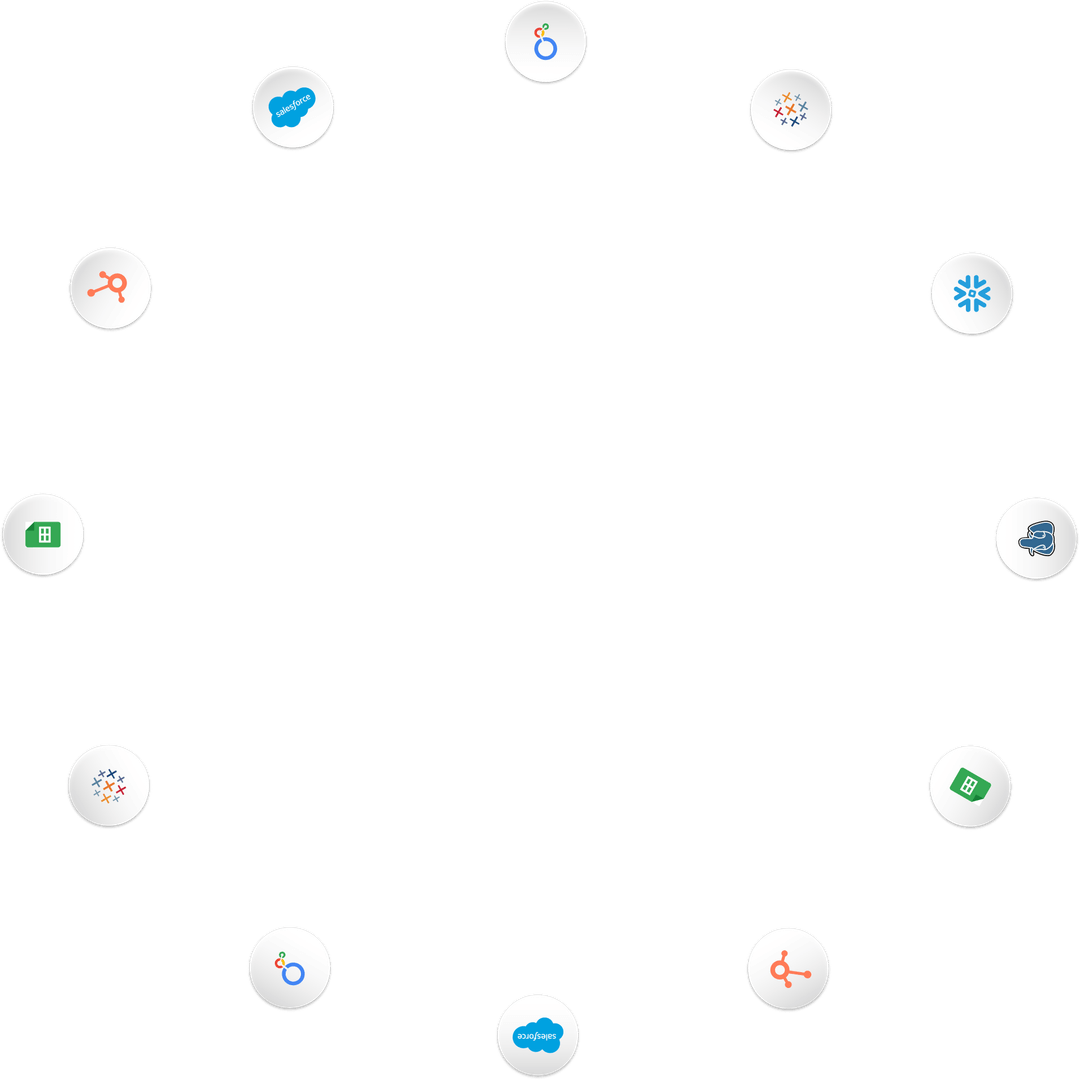
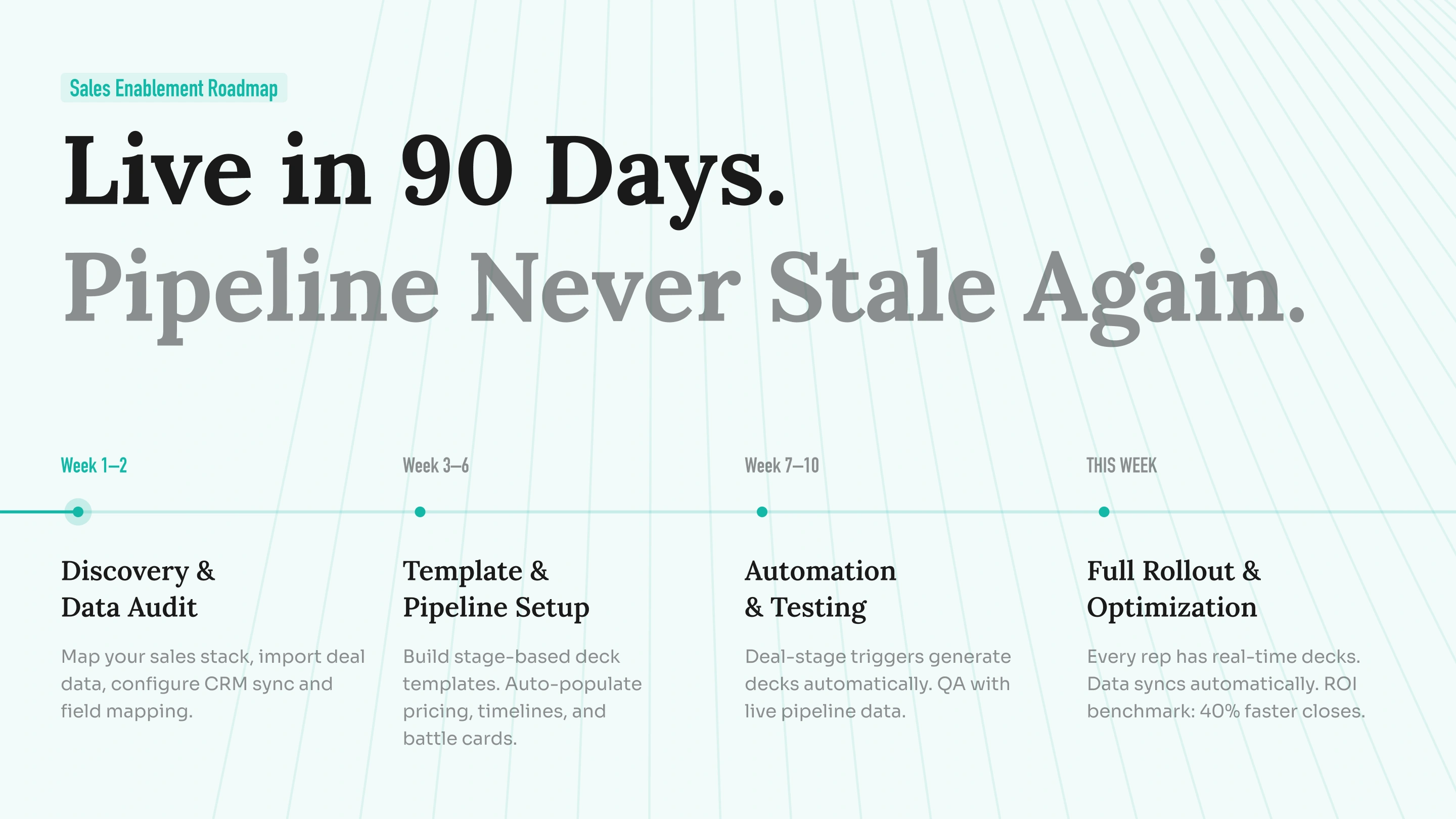
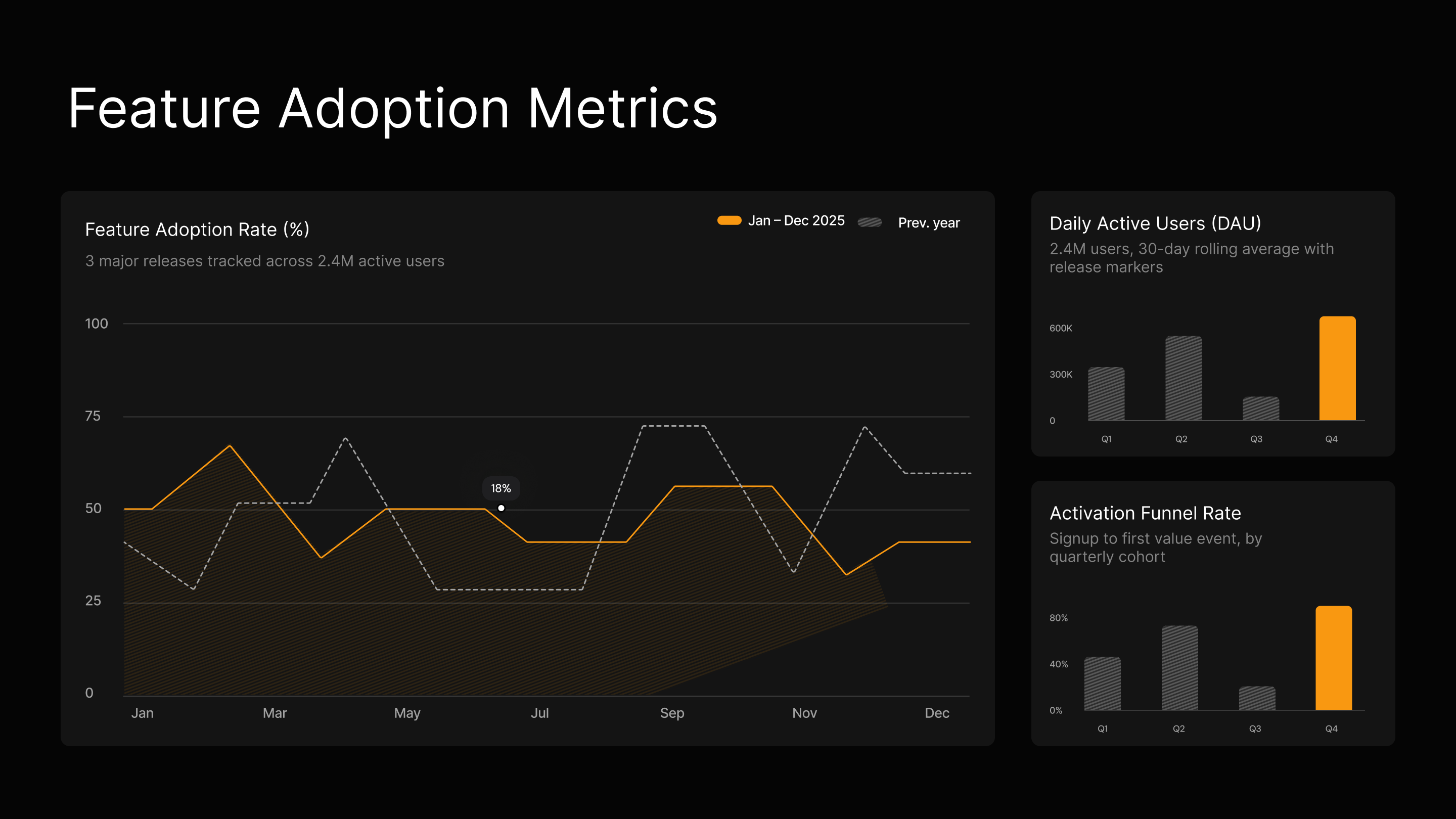
Connect your master to Salesforce, HubSpot, Google Sheets, Tableau, Looker, Databox, Mixpanel, PostgreSQL, MySQL, Snowflake, and 50+ more. Set a schedule - daily, weekly, or monthly. When your data changes, the deck changes with it.
Audience Customization
Take your best sales proposal. Drop in a new prospect's company, industry, pain points, and relevant context. Get a tailored version in minutes - without touching the slide structure or redesigning anything.
Update Rules
Define once what stays fixed - your narrative, your design, your brand - and what adapts - the data, the recipient, the numbers. Refresh handles the rest.
Generate AI Presentations At Scale
Create hundreds of personalized presentations from a single source of truth, and build them into your workflow or product.
Personalization at Scale
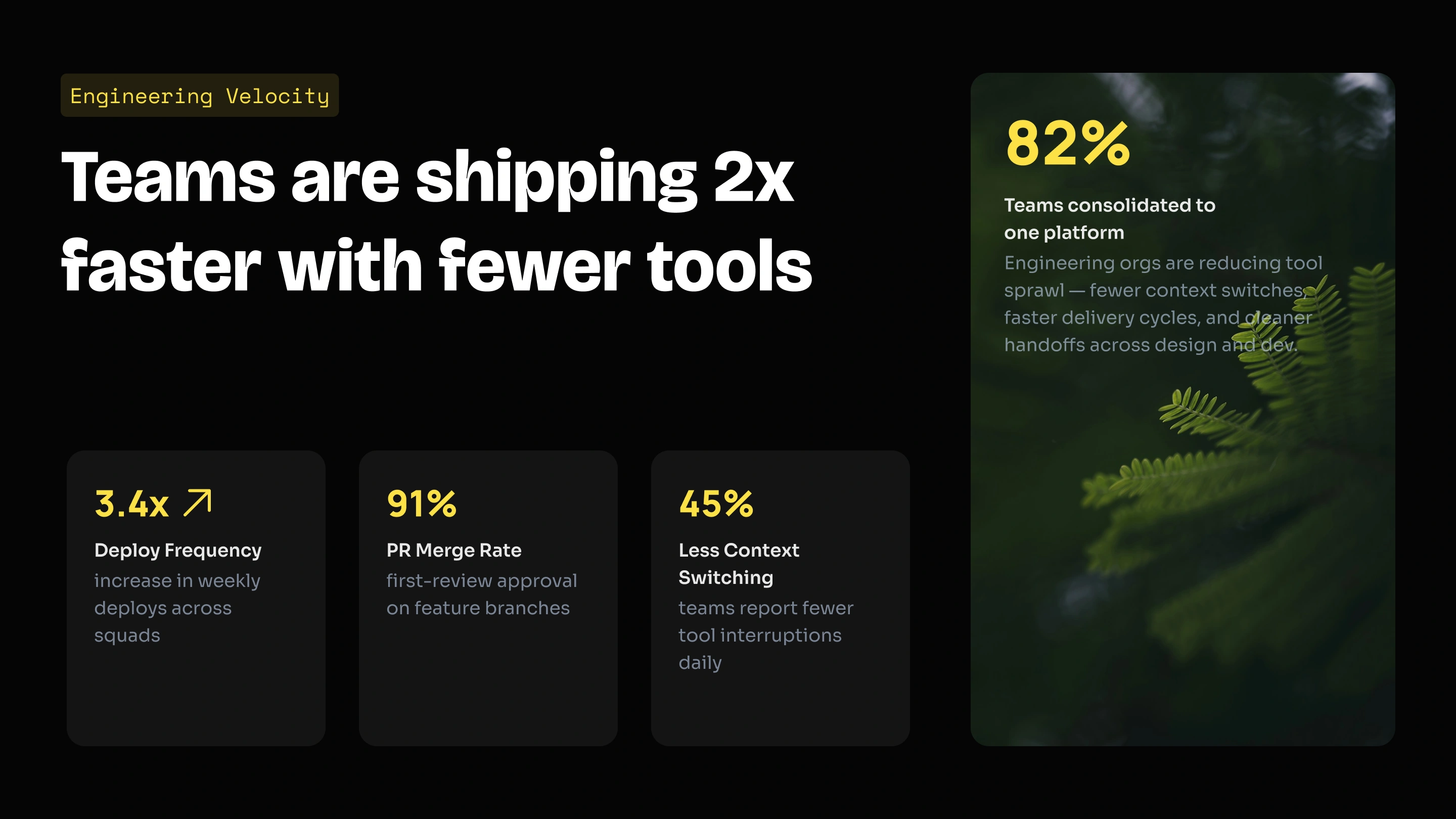
Feed in your data. Get back hundreds of decks - each with the right client name, logo, numbers, and narrative. One source, unlimited outputs.
White-Label
Your users get AI presentation capabilities inside your product. They see your brand. They never see ours.
Trigger From Anything
No code: connect via Zapier or Make. With code: REST API and webhooks. Generate a deck the moment a form is submitted, a project starts, or a deal moves to proposal stage.
Who Uses Presentations.AI?
Founders
Sales
Product Teams
Product Managers
Marketers
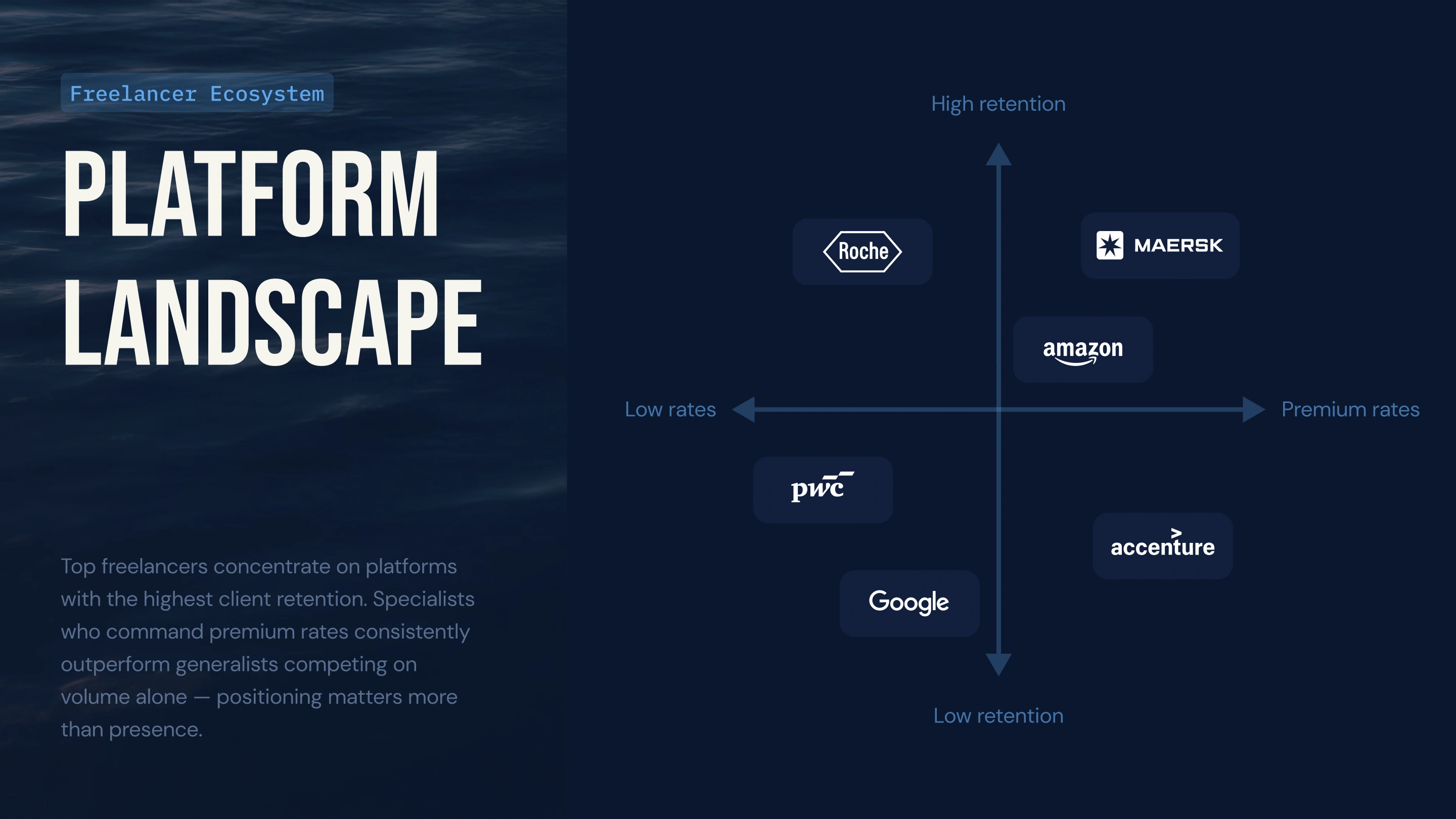
Freelancers
Customer Success

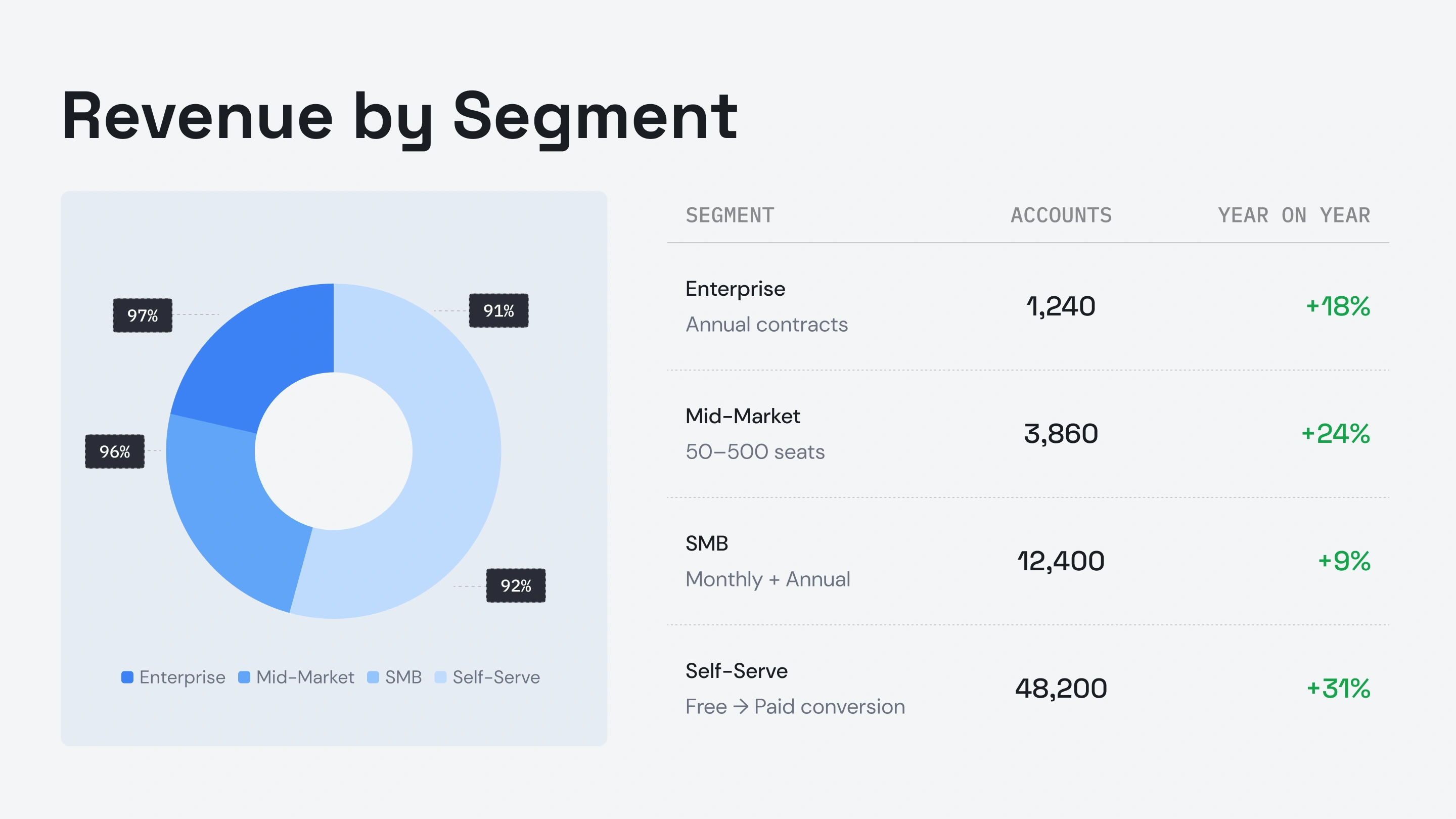

Testimonials
What Teams are saying

I really like how Presentations.ai converts my ideas into presentations instantly, removing my dependency on others. The variety of templates supports my use cases well, fitting the tags and insights perfectly. It's also very easy to set up, with a simple form to fill out, making my workspace ready smoothly and quickly.

I've tried four or five AI deck tools and this is the one I actually kept using. The slides look good straight away, I can edit anything I want, and it exports cleanly to PowerPoint so it drops right into how my team already works. Great-looking decks without losing control of them.

Perfect for business presentations. I've had a great experience with Presentations.ai. It's incredibly fast to go from a blank page to a polished presentation, and the template library gives you plenty of well-designed starting points for different use cases.
One feature that really stands out is how well it handles data visualisations.

ENTERPRISE
Built for How Enterprise Presentations Actually Get Created, Reviewed, and Delivered
Design That Doesn’t Break.
Layouts adapt to your content automatically: no manual fixes, ever.
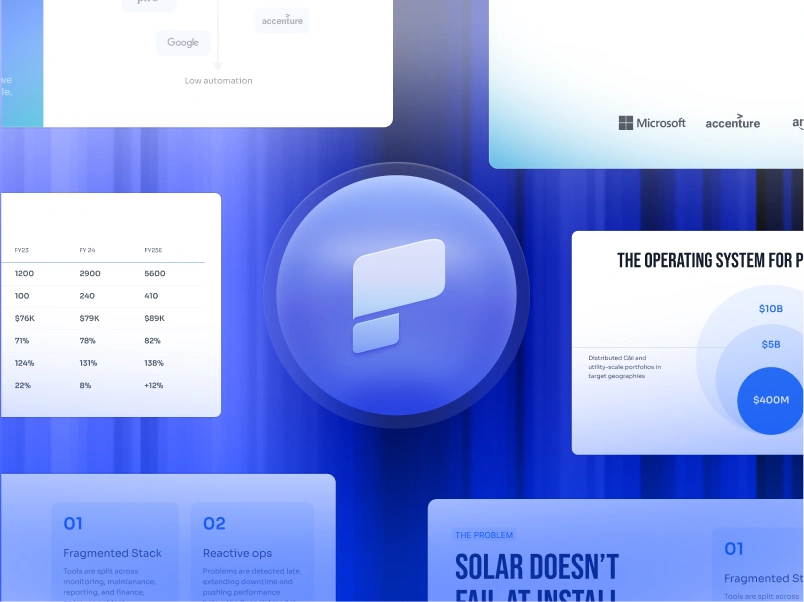
Scheduled Presentation Generation.
Reports and decks generate automatically—no manual work.
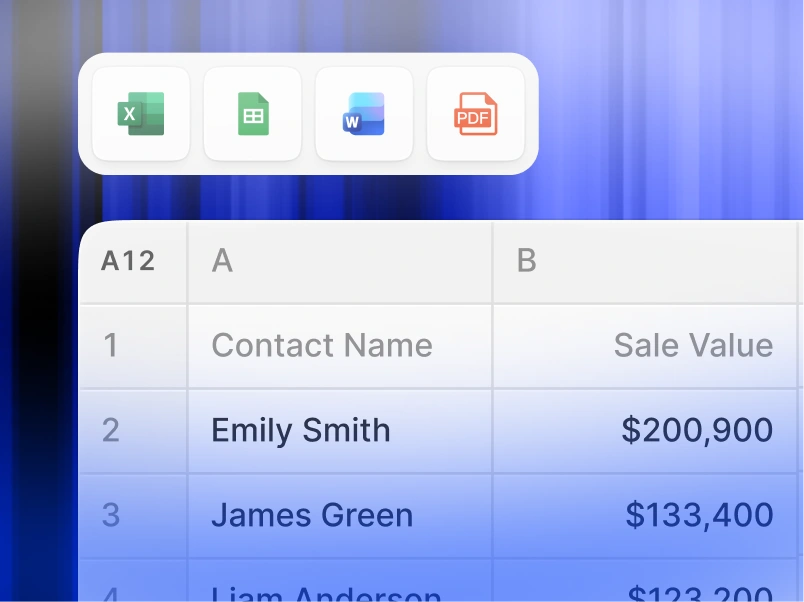
Multi-Team Workspaces.
Separate teams, brand systems, and permissions—fully controlled.

Enterprise-grade Security.
SOC 2 Type II Certified. GDPR Compliant.

Start Free. Scale As You Grow.
Create professional presentations in minutes. Upgrade when you need PowerPoint export, advanced models, branding, collaboration, and enterprise controls.
Starter
Frequently Asked Questions
What is Presentations.AI?

Presentations.AI is an AI tool that turns your ideas, documents, or data into ready-to-present slide decks. Give it a prompt, a Word doc, a PDF, or a URL - it builds the narrative, writes the copy, picks the right layout, and applies a clean design. You get a finished presentation in under a minute.
How do I create a presentation with AI?
Start with any input - type a topic, paste your notes, upload a Word doc or PDF, or share a URL. Presentations.AI reads your content, builds a structured deck with clear flow, and applies a clean design. You can edit the slides and export them to PowerPoint or Google Slides in one click.
Can AI create PowerPoint presentations automatically?
Yes. Presentations.AI creates complete PowerPoint decks automatically from your input - no manual setup. You can download the deck as a native .pptx file that opens in Microsoft PowerPoint or Google Slides with all text, layouts, and fonts intact.
Who is Presentations.AI for?
Presentations.AI is built for anyone who needs to turn ideas into decisions through presentations - founders, sales teams, marketers, product managers, consultants, and trainers. It's used across startups, enterprises, and agencies wherever clear decks move work forward.
How is Presentations.AI different from Gamma, Canva, and Copilot?
Most AI presentation tools focus on speed. Presentations.AI focuses on outcomes - clearer decks, faster alignment, fewer follow-up meetings. Gamma is built for web-first, one-time presentations. Canva is a general design tool, not a presentation platform. Copilot works inside PowerPoint but can't connect to live data or generate decks at scale. Presentations.AI is the only platform that combines deck creation, data-connected refresh, and API-based generation in one product.
Who owns the content I create with Presentations.AI?
You own the presentations you create. Content generated through Presentations.AI belongs to you and your team, and you're free to use, edit, and distribute it as you would any other work product.
Can multiple people work on the same presentation at once?
Yes. Presentations.AI supports real-time collaboration, so team members can edit, comment, and review the same deck together, with changes reflected instantly for everyone in the workspace.
How much can I customize the design beyond what the AI generates?
The AI generates a full first draft, but every element — layout, colors, fonts, imagery, and branding — is fully editable. You can override any AI decision without starting the deck over.
One Deck, One Team
With Presentations.AI, your team works from one shared version, so everyone's looking at the same deck, in the same workspace, at the same time.