


AI Slide Creator - Create AI Slides in Seconds, Free
Turn any topic, outline, or document into a branded AI slide deck in under 60 seconds, slide copy, layouts, and PowerPoint export included.
No design skills needed.

12M+ users
5M+ presentations created
14+ languages
SOC 2 Type II certified


4.4 · G2
Trusted by over 12 million professional users
TRUSTED BY






Backed By


What Is an AI Slide Creator?
An AI slide creator is a tool that turns a topic, outline, or document into individual, designed slides in seconds. It writes the copy for each slide, picks a layout, applies your brand, and gives you editable slides you can use as they are or add to an existing deck.
Unlike an AI presentation maker, which builds a full presentation end to end, an AI slide creator works at the slide level. Generate one slide, rebuild a slide that is not working, or spin up a short set of slides on a specific point, without regenerating a whole deck.
Presentations.AI is an AI slide creator built for business slides: sales, investor, board, and client content, with automatic brand enforcement and fully editable PPT export.
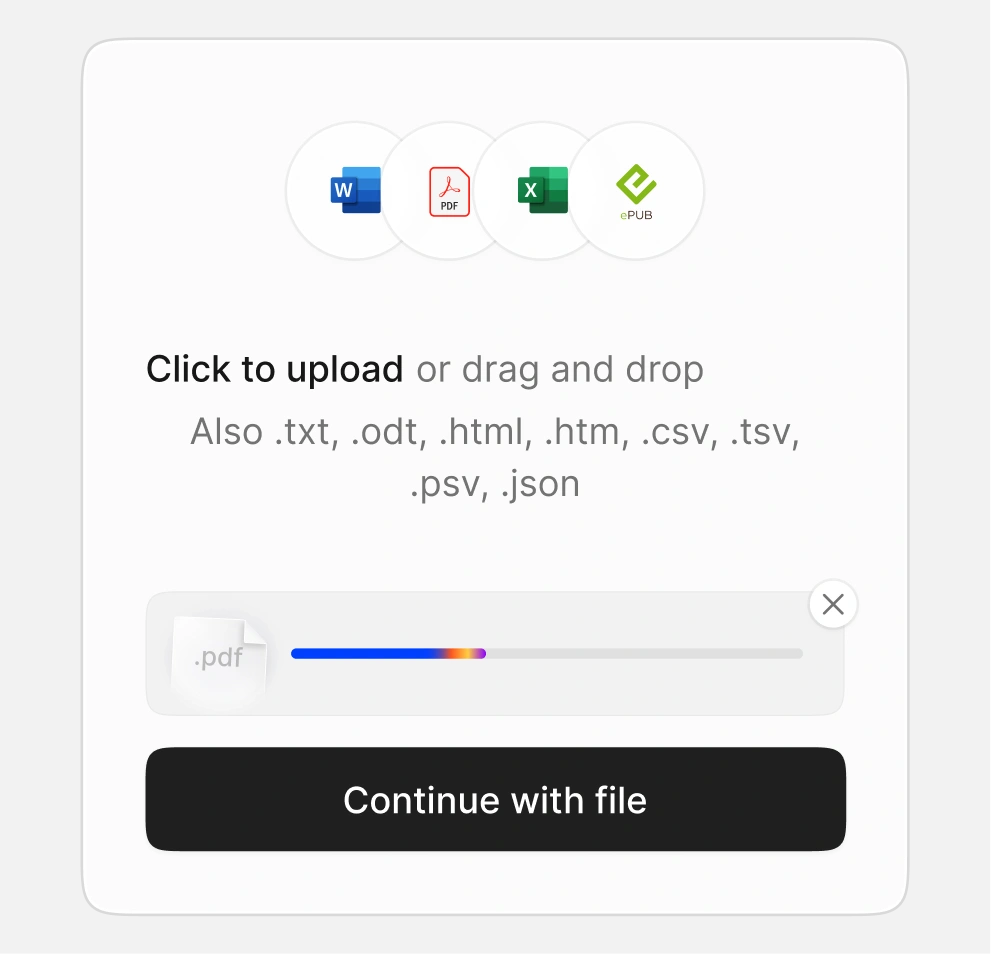
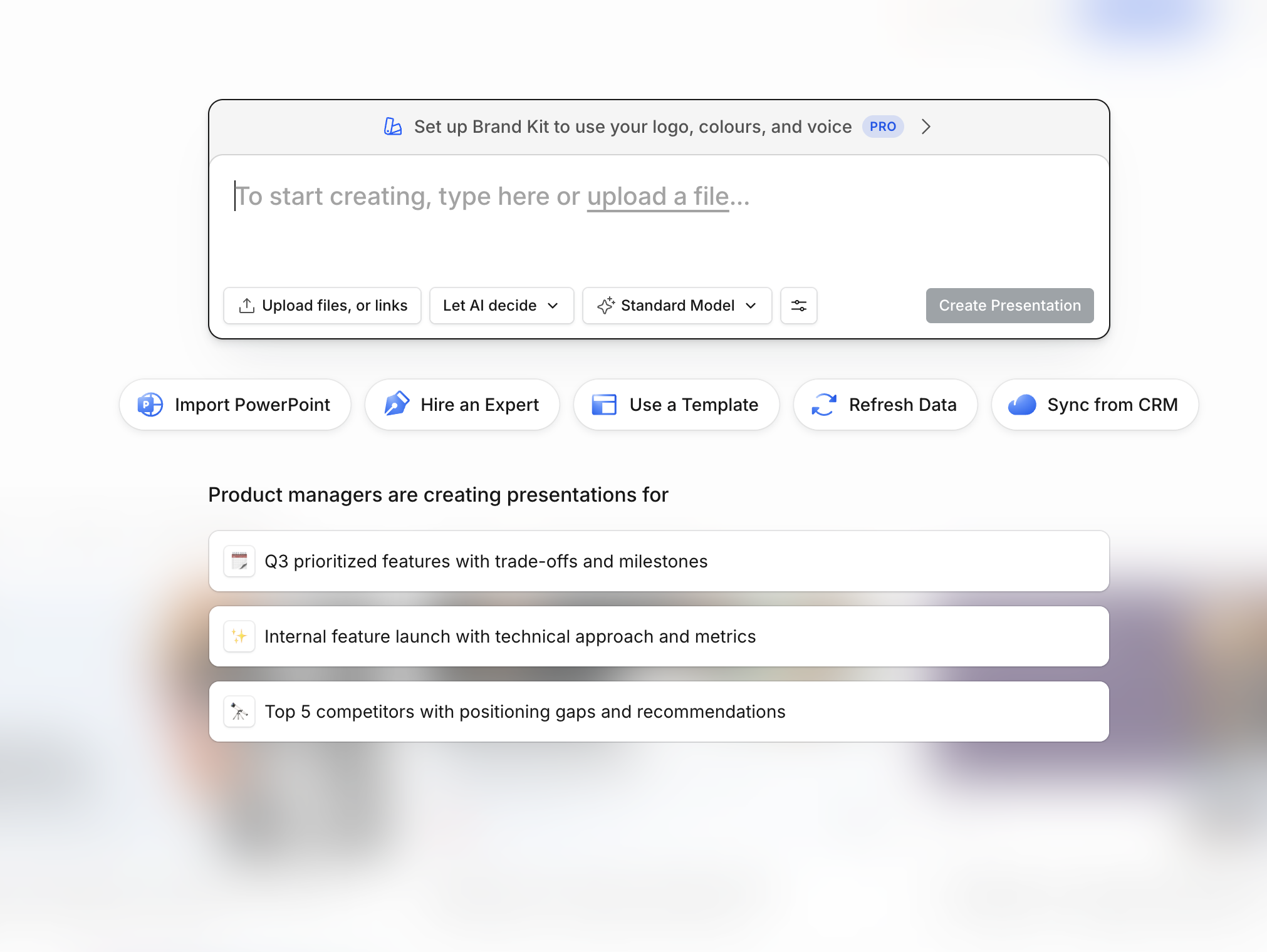
Type your topic or upload your content
Type a topic, paste an outline, or upload a PDF, Word doc, or URL, in any of 14+ languages. Tell the AI whether you want a single slide, a few slides, or a short deck. It reads your input and pulls out what belongs on a slide.
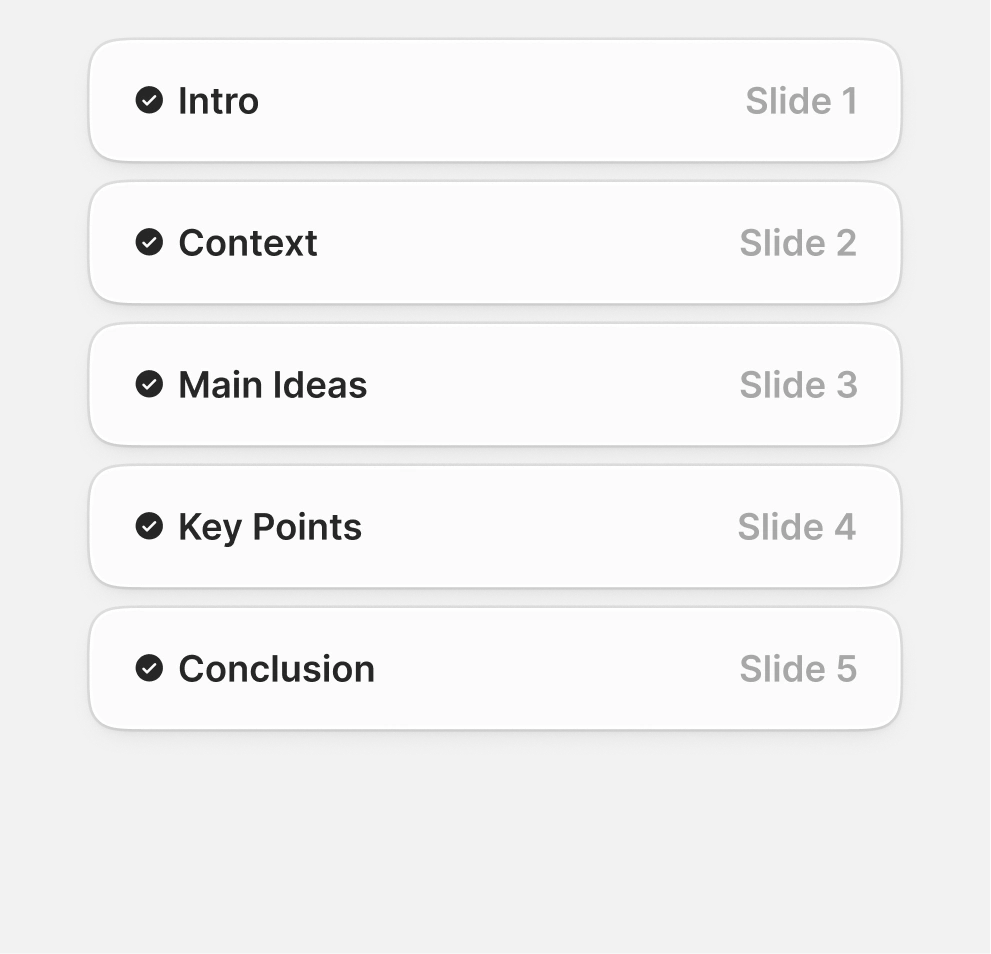
AI builds your slides with your brand
The AI writes each slide, picks a layout, and applies your brand colors, fonts, and logo. You get finished slides in seconds, not a blank canvas, and each one stands on its own.
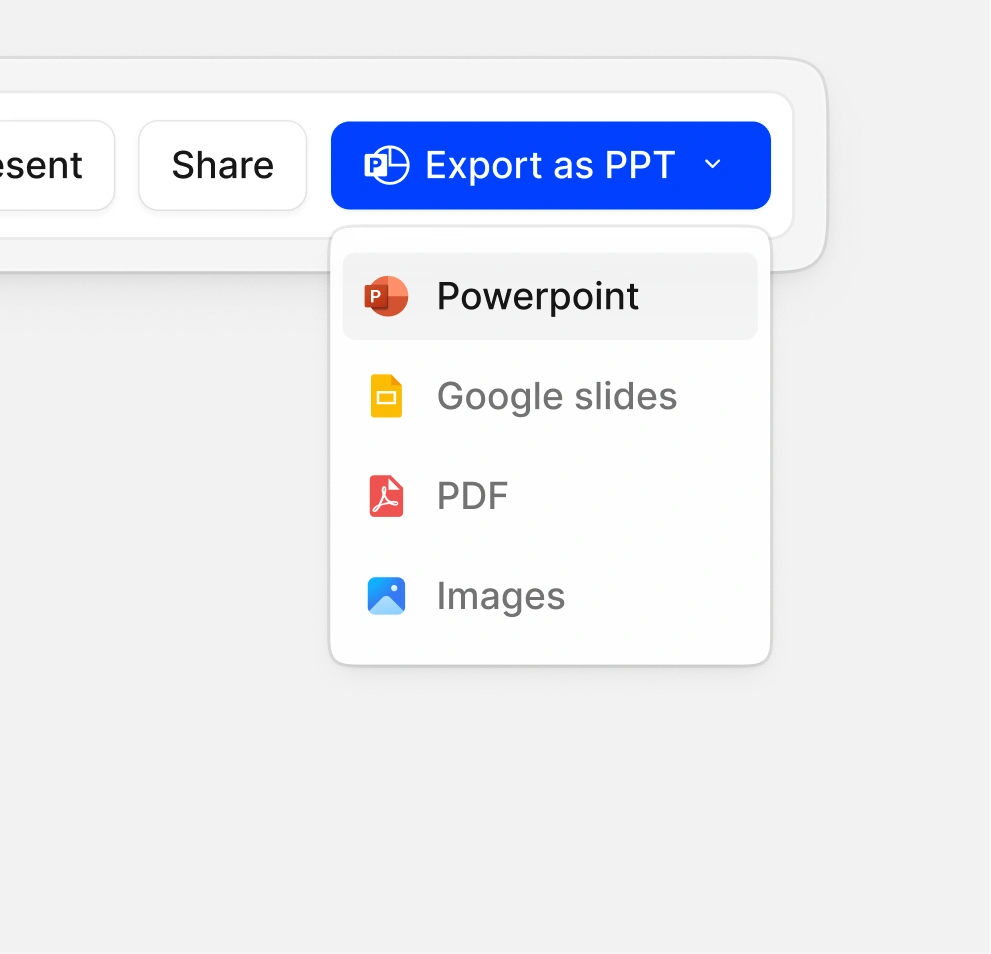
Edit, export to PowerPoint, or share a link
Tweak any slide, keep the ones you want, and drop them into a larger deck if you need to. When they are ready, export to PowerPoint, share a link, or present straight from your browser.
Why Use Presentations.AI as Your AI Slide Creator?
Prompt to Slides in Seconds
Give Presentations.AI a topic or a document and it builds the whole deck for you - layout, titles, visuals, and speaker notes. You start from a finished draft instead of a blank page, then export to PowerPoint or Google Slides.
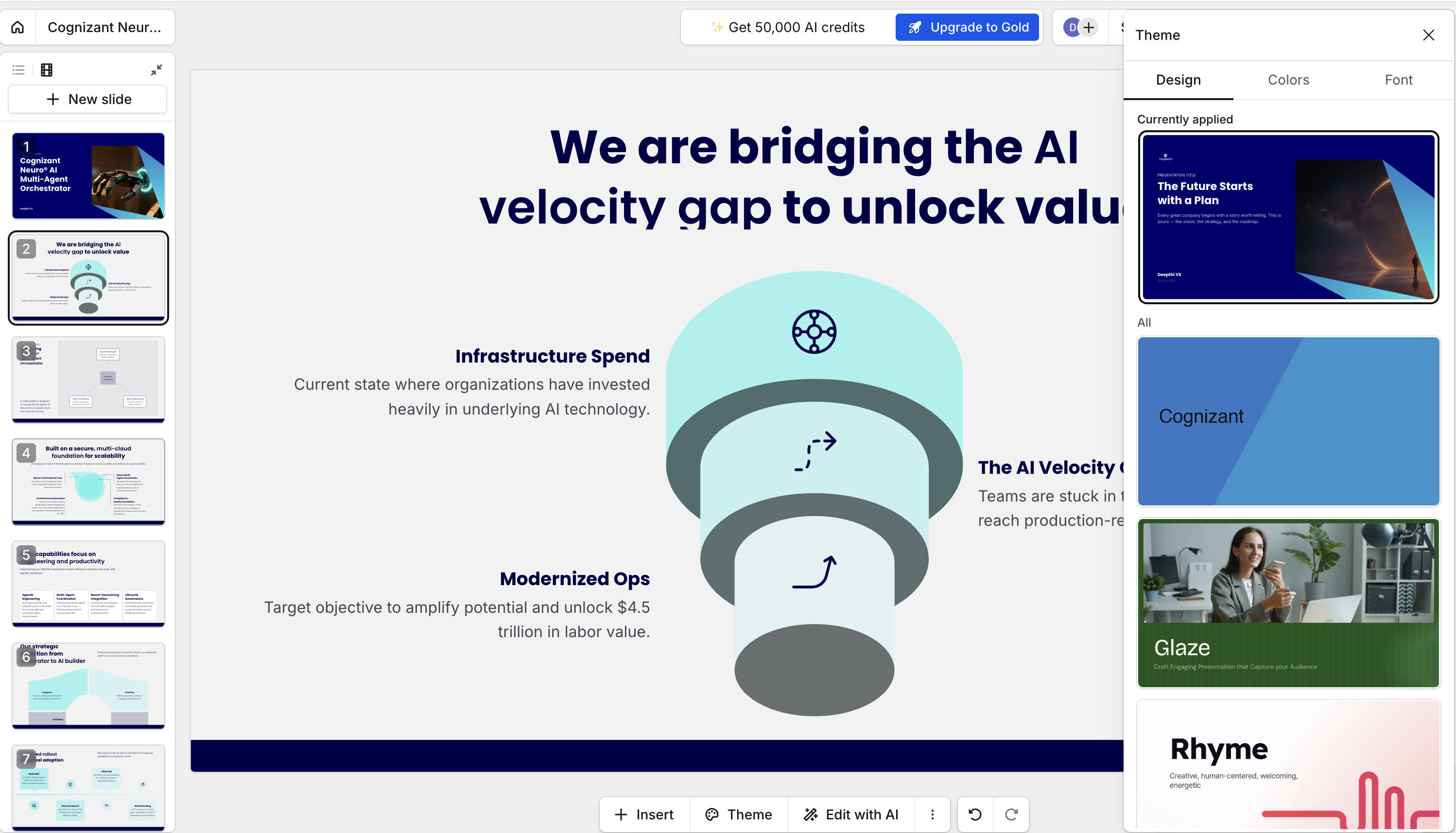
Auto Brand Kit - colors, fonts, logo applied
Paste your company URL and our AI slide maker pulls your brand colors, fonts, and logo straight from your website, then applies them across every slide. Canva and Gamma make you set your brand up by hand; here it happens automatically, with nothing to upload or configure first.
Edit Anything - no design skills needed
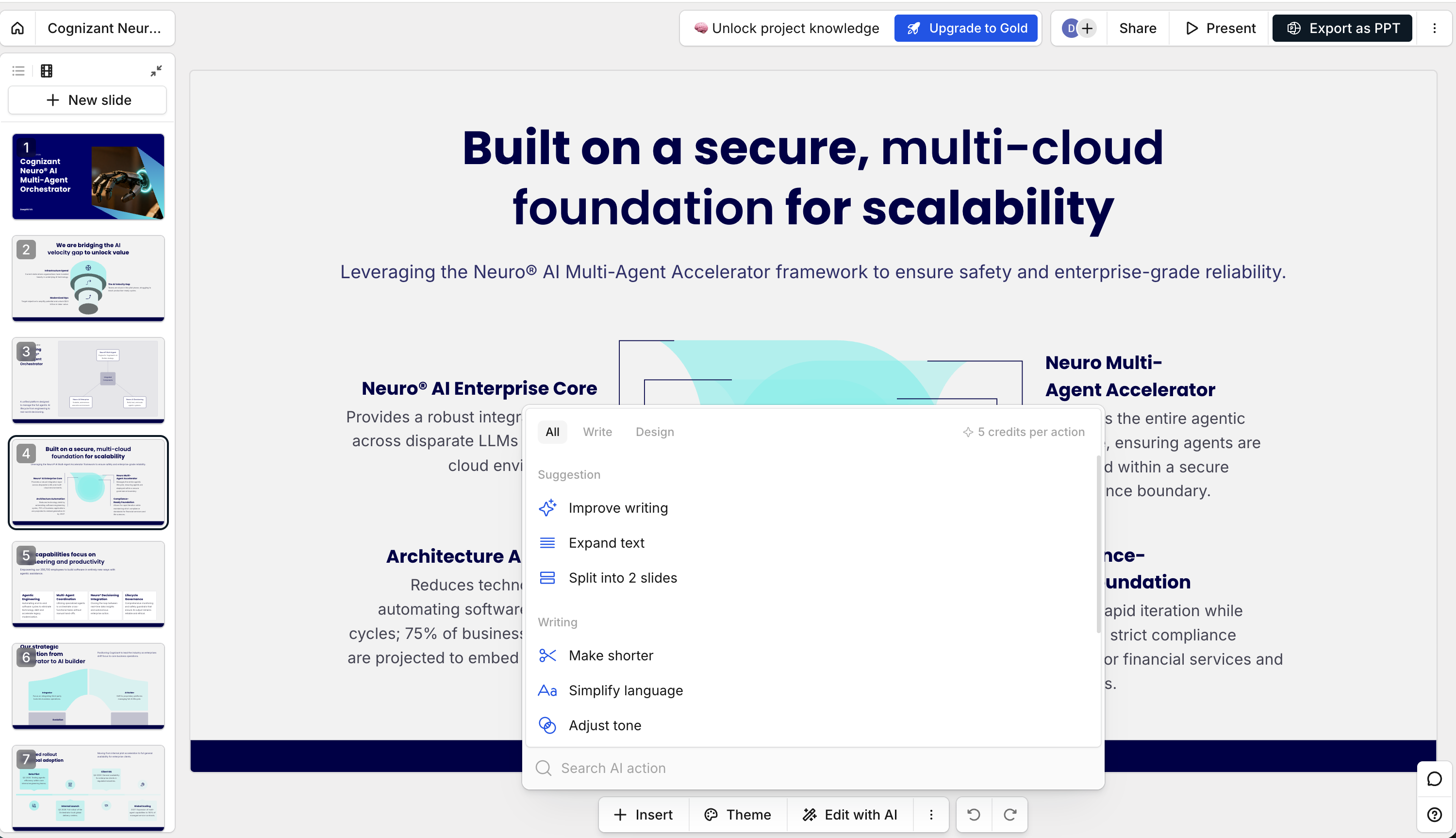
You don't need design skills, software, or plugins to change anything - it all happens in the browser, in our AI slide editor. Rework a whole deck, swap a single layout, or fix one line of copy; it's the same handful of clicks whether the change is big or small.
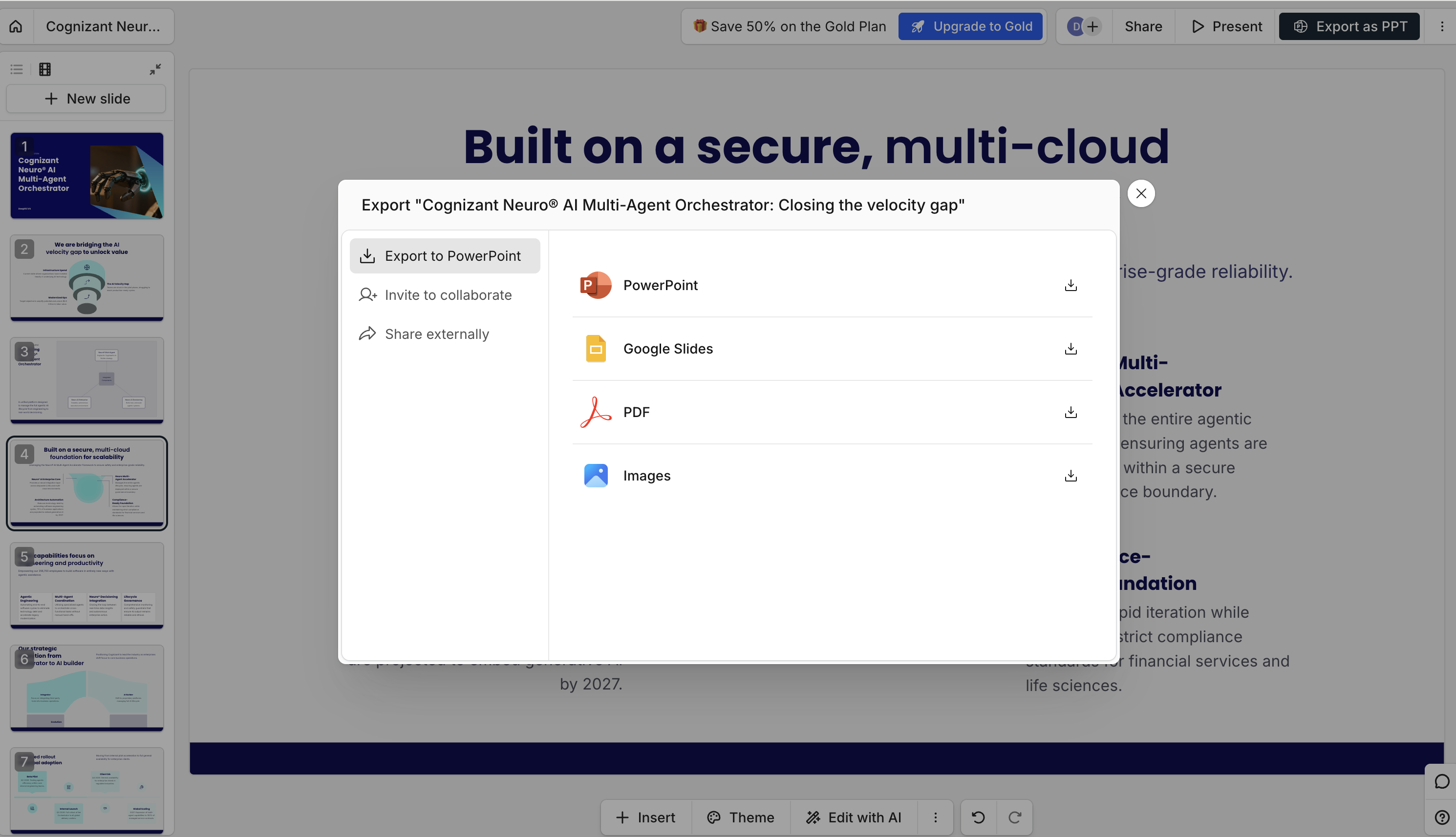
Share or Export to PowerPoint
Export a native .pptx with fully editable shapes and text - no font substitutions, no broken layouts. Unlike Gamma and Canva, where PPTX exports shift fonts or flatten layouts, every slide here stays intact. Share it as a live link, embed it, or download in one click.
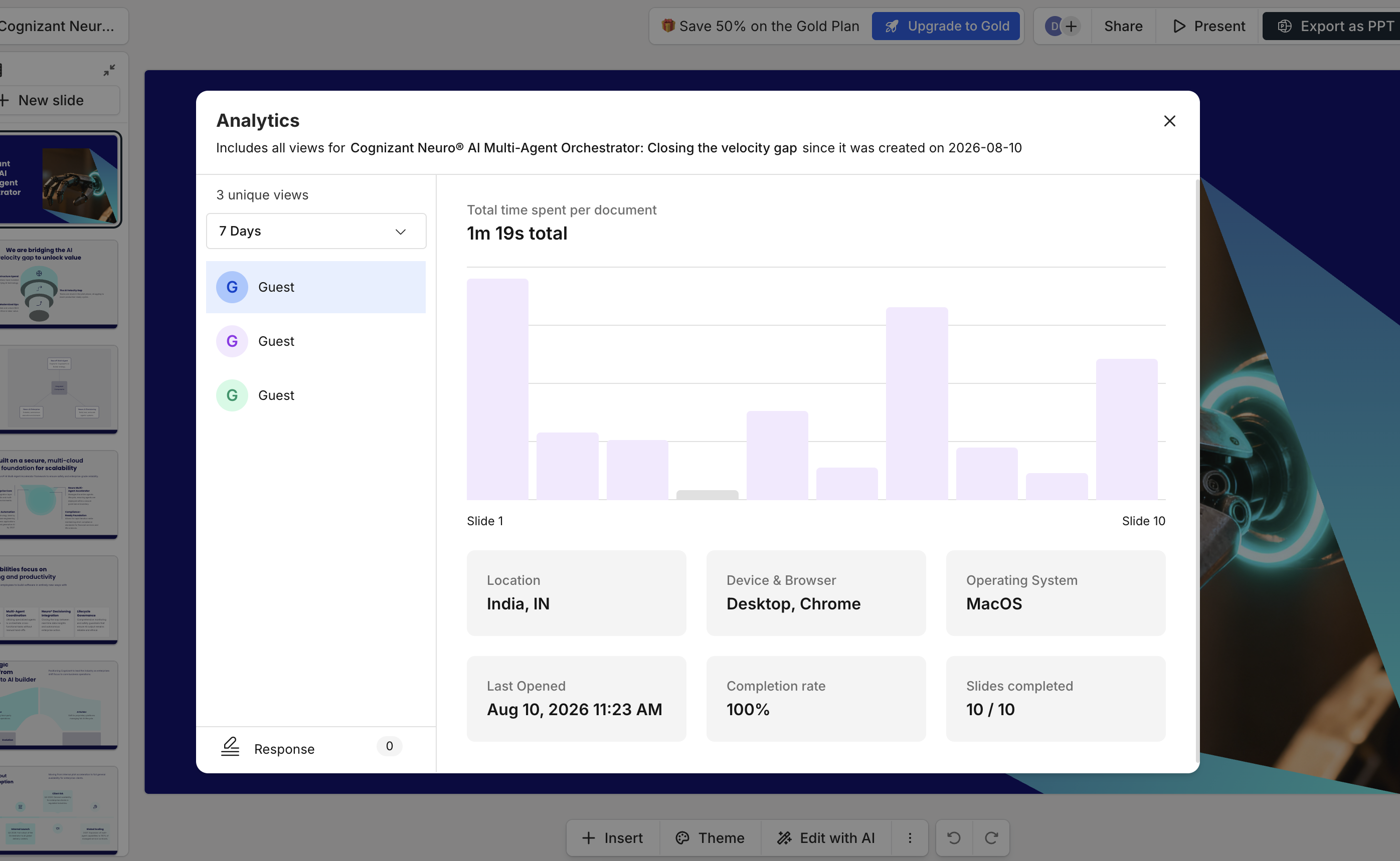
See Who Viewed Your Deck (Analytics)
Track every viewer of your AI presentation, who opened it, time spent per slide, completion rate, and total views. Spot which slides held attention and which got skipped, then follow up at the right moment with the right context. Built for sales decks, investor pitches, and client proposals where timing matters.
ENTERPRISE
Built for Teams
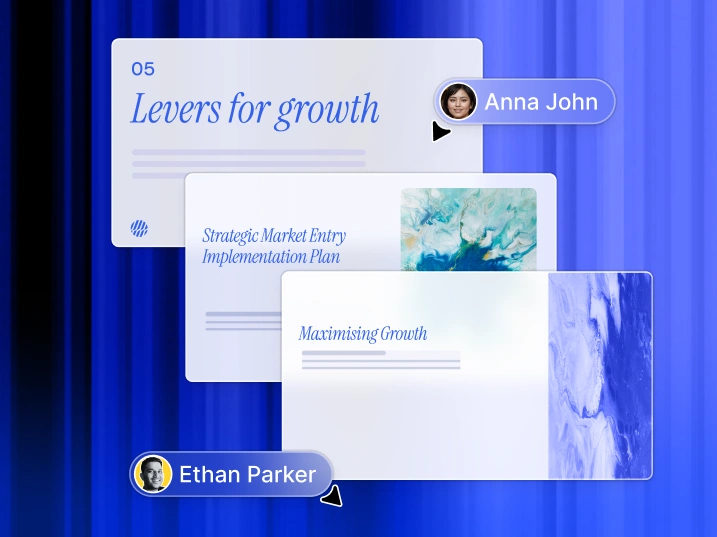
Co-edit slides live with your team.
Multiple team members can work on the same deck simultaneously, leaving comments, making edits, and reviewing changes in real time without versioning conflicts or file handoffs.
Enterprise grade security.
SOC 2 Type II certified. Your prompts, decks, and brand data are never used to train AI models. Includes SSO, audit logs, and admin controls for regulated industries.

Workspaces, roles, and permissions.
Organize decks by team or project in shared workspaces. Assign admin, editor, or viewer roles, control who can share externally, and lock brand templates so every deck stays on-brand.

Who Uses AI Slide Creator?
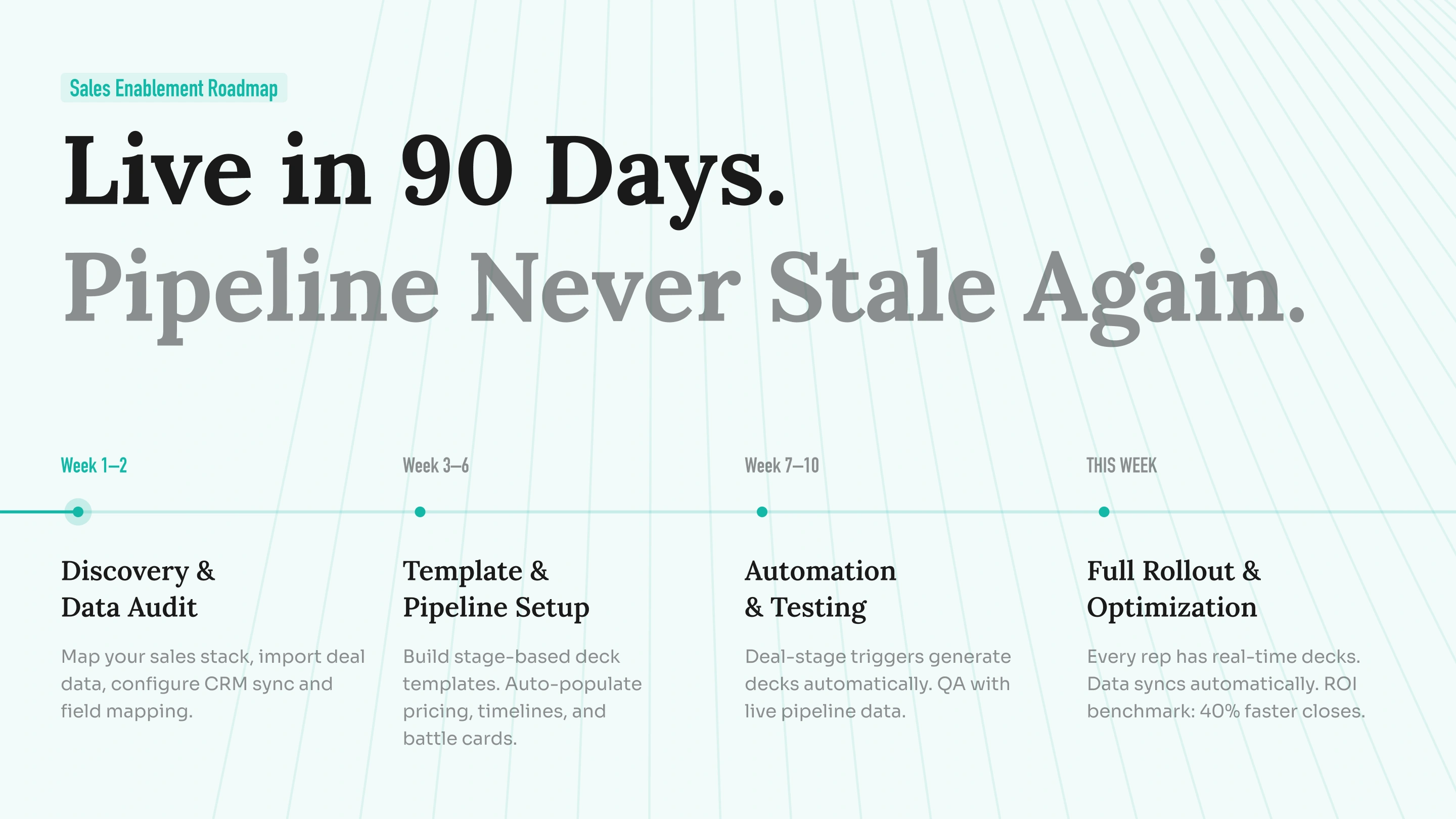
Sales Teams
Marketing Teams
Students & Educators
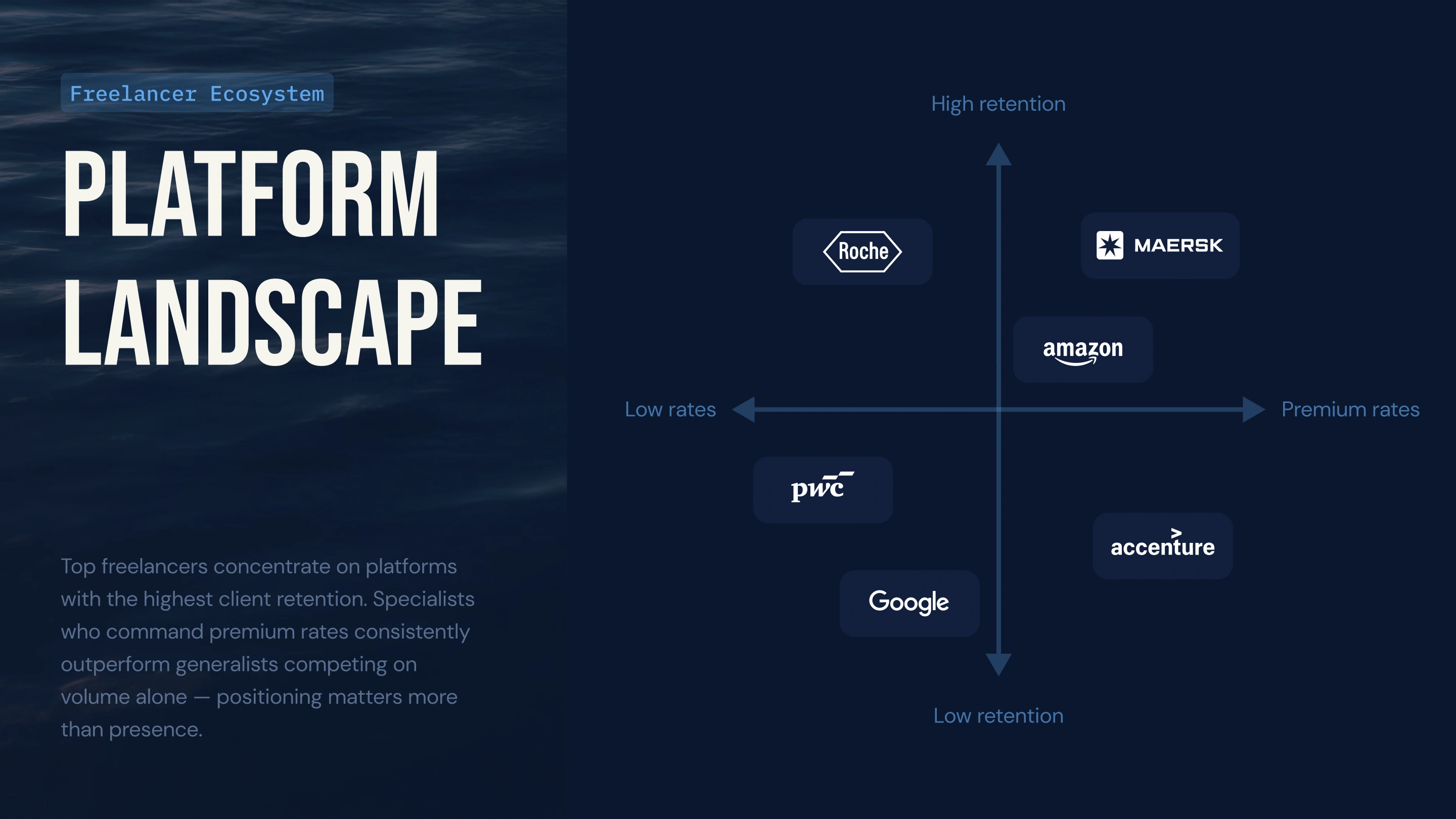
Consultants & Freelancers
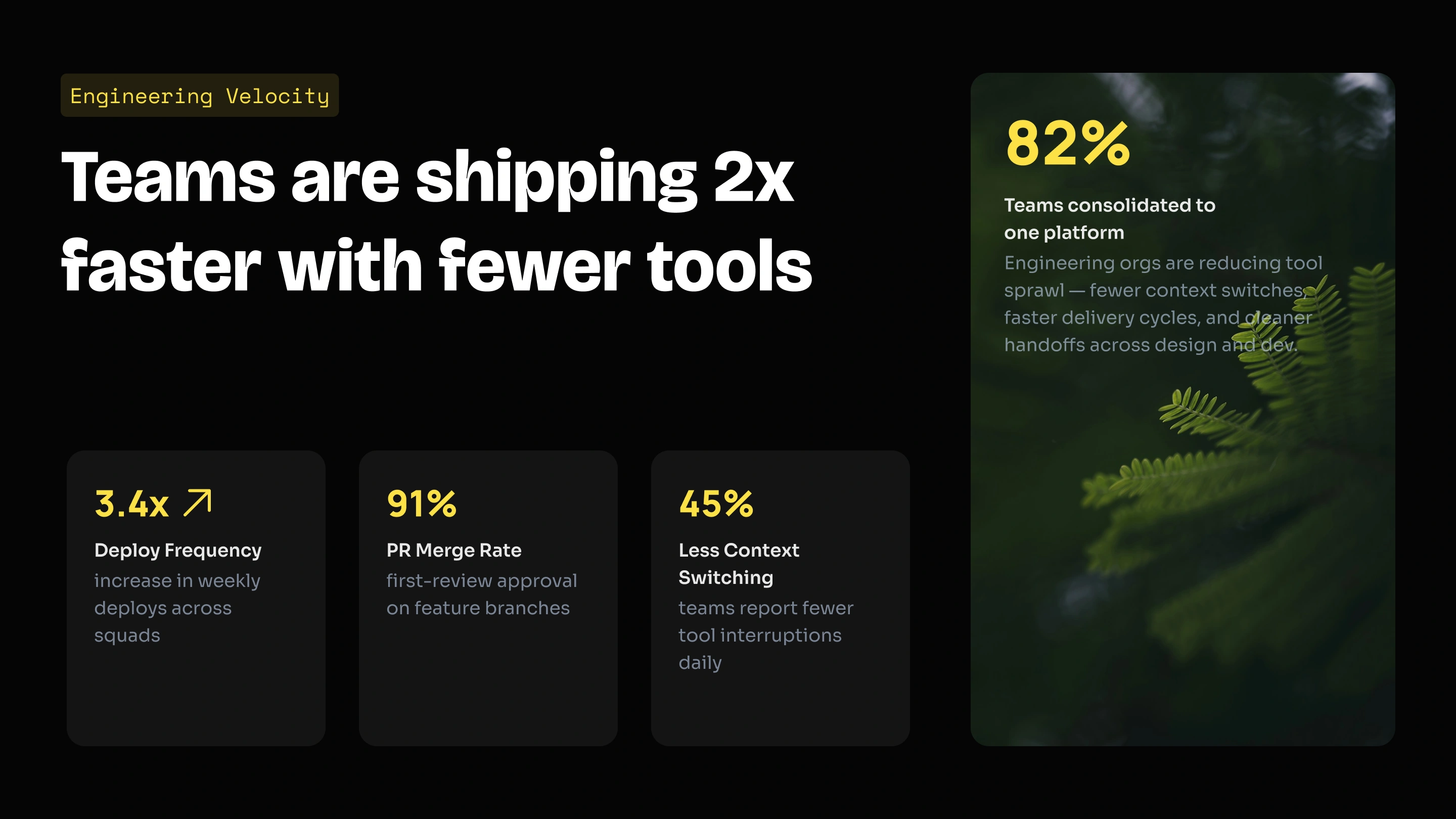
Founders & Executives

Presentations.AI vs Other AI Slide Makers
AI Slide Templates for Every Use Case
Free AI presentation templates - built for every audience, ready in seconds.

Investor Pitch Deck template:
Problem, solution, market size, traction, team, financials, and ask - built for seed and Series A founders.

Sales & Proposal Deck template:
Company overview, services, case studies, pricing, and next steps. Polished, on-brand client decks every time.

Board & Quarterly Review template:
Quarterly reviews, board updates, and executive summaries. Data visuals and exec-friendly layouts pre-built.

Lesson & Course Deck template:
Lesson plans, lecture material, and student-facing course presentations with clear visual hierarchy and pacing.

Product Launch Deck template:
Product features, GTM plan, market opportunity, and roadmap - ready for internal alignment and external launches.

Campaign & Strategy Deck template:
Campaign briefs, market analysis, channel strategy, and performance reporting - designed for marketers in a hurry.
AI Slide Creator vs AI Presentation Maker

Testimonials
Trusted by teams worldwide - here's why they switched to our AI slide creator.

I really like how Presentations.ai converts my ideas into presentations instantly, removing my dependency on others. The variety of templates supports my use cases well, fitting the tags and insights perfectly. It's also very easy to set up, with a simple form to fill out, making my workspace ready smoothly and quickly.

I've tried four or five AI deck tools and this is the one I actually kept using. The slides look good straight away, I can edit anything I want, and it exports cleanly to PowerPoint so it drops right into how my team already works. Great-looking decks without losing control of them.

Perfect for business presentations. I've had a great experience with Presentations.ai. It's incredibly fast to go from a blank page to a polished presentation, and the template library gives you plenty of well-designed starting points for different use cases.
One feature that really stands out is how well it handles data visualisations.

Frequently Asked Questions
What is an AI slide creator?


An AI slide creator automatically turns your ideas, documents, or URLs into polished presentation slides. It generates the content, organizes the slides, and applies professional layouts and branding. Presentations.AI is designed to create business-ready presentations, including sales decks, investor pitches, board reports, and client proposals.
How does the AI slide creator work?
You give it an input - a topic prompt, a Word doc, a PDF, or a URL. Presentations.AI reads your content, builds the narrative, writes the slide copy, picks the right layout for each slide, and applies your brand. The full deck is ready in under a minute.
What can I use to create slides - a topic, PDF, or Word doc?
All of the above. You can start with a short topic prompt, paste rough notes, upload a Word document or PDF, or share a URL. The AI slide creator pulls the key ideas from your input and turns them into a structured deck.
Can I edit the slides after the AI creates them?
Yes. Every slide is fully editable. Text boxes, layouts, charts, and shapes are all live elements - nothing is locked or flattened. You can edit directly in the platform or after exporting to PowerPoint. Refine, update, or repurpose any deck after it's created.
Will the slides match my brand colors, fonts, and logo?
Yes. Paste your company website URL and Presentations.AI pulls your brand colors, fonts, and logo automatically - then applies them across every slide. No manual setup, no asset uploads, no template configuration. Brand rules are enforced at the AI level so every deck from every team member stays on-brand.
Can I export AI slides to PowerPoint?
Yes, and it actually works. Every export is a real .pptx file with editable text boxes, native charts, and shapes that open and work normally in PowerPoint and Google Slides. No flat images, no broken formatting, no cleanup required, on any device.
How do I share my AI-generated slide deck?
Export as a fully editable PowerPoint file, share a link, or present directly from the platform. Decks work on any device and open normally in PowerPoint and Google Slides - no special software needed.
What types of presentations can I create with the AI slide creator?
Sales decks, board presentations, investor pitches, quarterly business reviews, and client proposals. Any presentation where brand consistency, professional output, and a clean PowerPoint export actually matter.
How is the AI slide creator different from Canva, Gamma, or Google Slides?
Google Slides gives you a blank canvas - you design and write every slide yourself. Canva is a general design tool built for social posts and flyers; presentations are just one of many formats and brand application is manual. Gamma creates web-first cards that share well as links, but PowerPoint exports break consistently. Presentations.AI is built specifically for business presentations - AI-native, with automatic brand enforcement and fully editable .pptx output that holds up in any professional environment.
Is the AI slide creator free to use?
Yes. You can create 3 full presentations for free with no credit card required. Each free presentation is fully functional, branded, structured, and exportable. Paid plans unlock unlimited presentations, team features, and live data connections for recurring decks.