

Why Convert PDF to PowerPoint?
PDFs are great for sharing finished documents. But they're locked. You can't edit them, you can't reshape them for an audience, and the moment you try to copy text out, the formatting breaks.
Most people end up doing it by hand. They take screenshots of each PDF page, paste them onto slides, and call it a deck. The result is cluttered. Nothing is editable. Your audience ends up reading the slides instead of listening to you.
Our PDF to PPT converter does it differently. Our AI reads the full PDF, pulls out the key points, and rebuilds the content as real, editable slides. Charts come out as charts. Tables come out as tables. Text comes out as proper slide copy you can edit.
Use it for:
- Pitch decks from your investor PDF
- Training slides from manuals and SOPs
- Client presentations from reports and proposals
- Research summaries from academic papers
- Webinar slides from whitepapers and eBooks
Why Choose Presentations.ai to Convert PDF to PPT?
Document Intelligence vs. Simple Extraction
Most PDF to PPT converters treat pages like images. Our AI PDF to PowerPoint converter treats them like information — reading structure, identifying hierarchy, and rebuilding content as native, editable presentation elements.
Presentation psychology built In
PDFs are for reading comprehension. PowerPoint is for visual communication. Our PDF to PPT converter restructures your content for audience engagement, not just display — automatically applying professional slide design principles.
Enterprise-grade conversion quality
No more black text on white slides. Every PDF to PowerPoint conversion uses professional templates, modern typography, and intelligent layout decisions that make your slides presentation-ready from the start.
Complex PDF handling
Multi-column academic papers? Financial reports with embedded spreadsheets? Technical manuals with diagrams? Our AI PDF to PPT converter processes them all with precision — converting PDF to PowerPoint online has never been this accurate.
How to Convert PDF to PPT Presentations
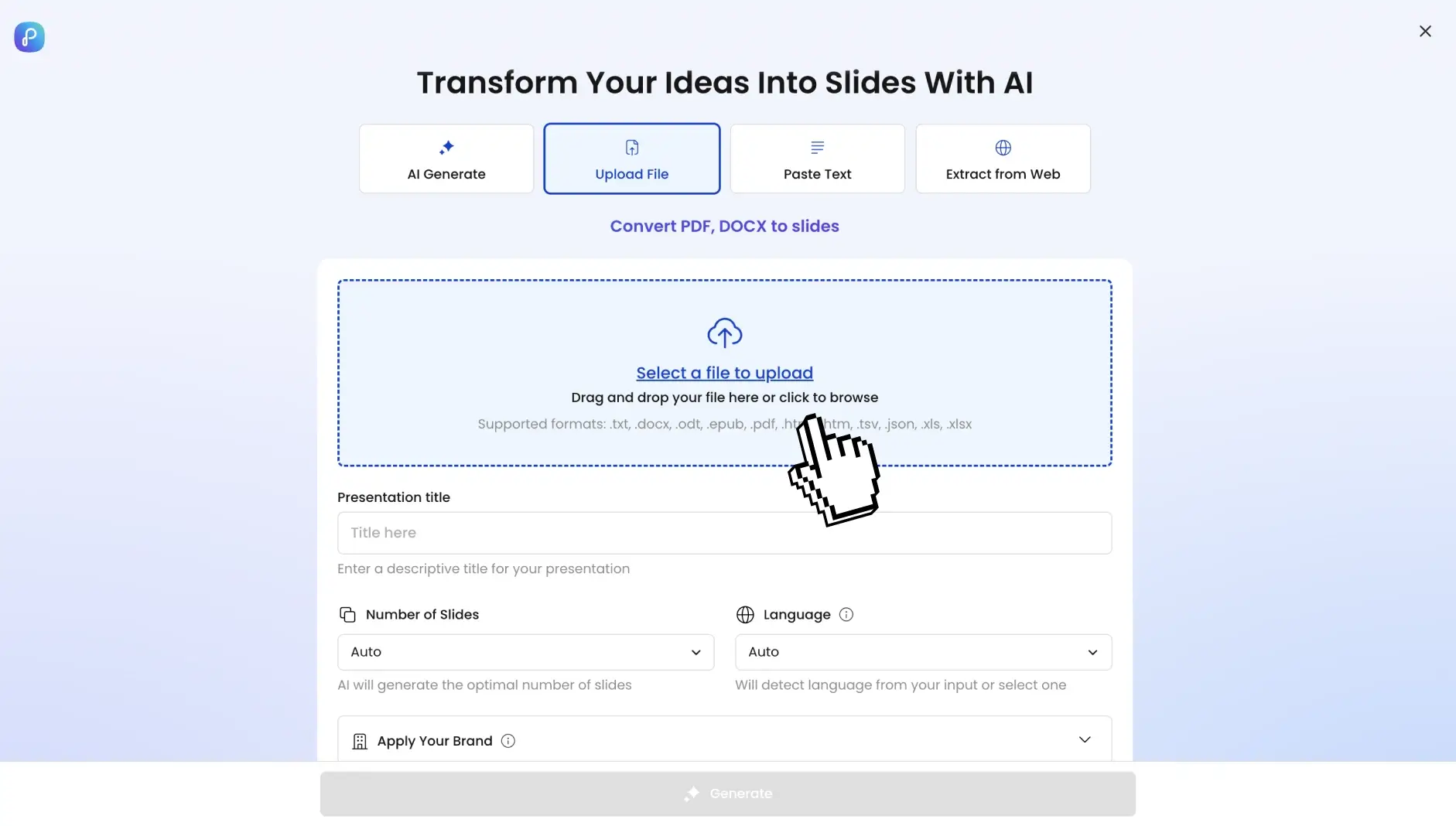
Step 1: Navigate to your dashboard and select "Import PDF"
Go to the dashboard. Select the option to import PDF into the system. Drag and drop any PDF file up to 100MB. Annual reports, research papers, proposals, technical documents; our PDF to PPT converter handles them all.

Step 2: Upload your document
Choose the specific document you wish to incorporate into your presentation (e.g., Word, text, PDF).
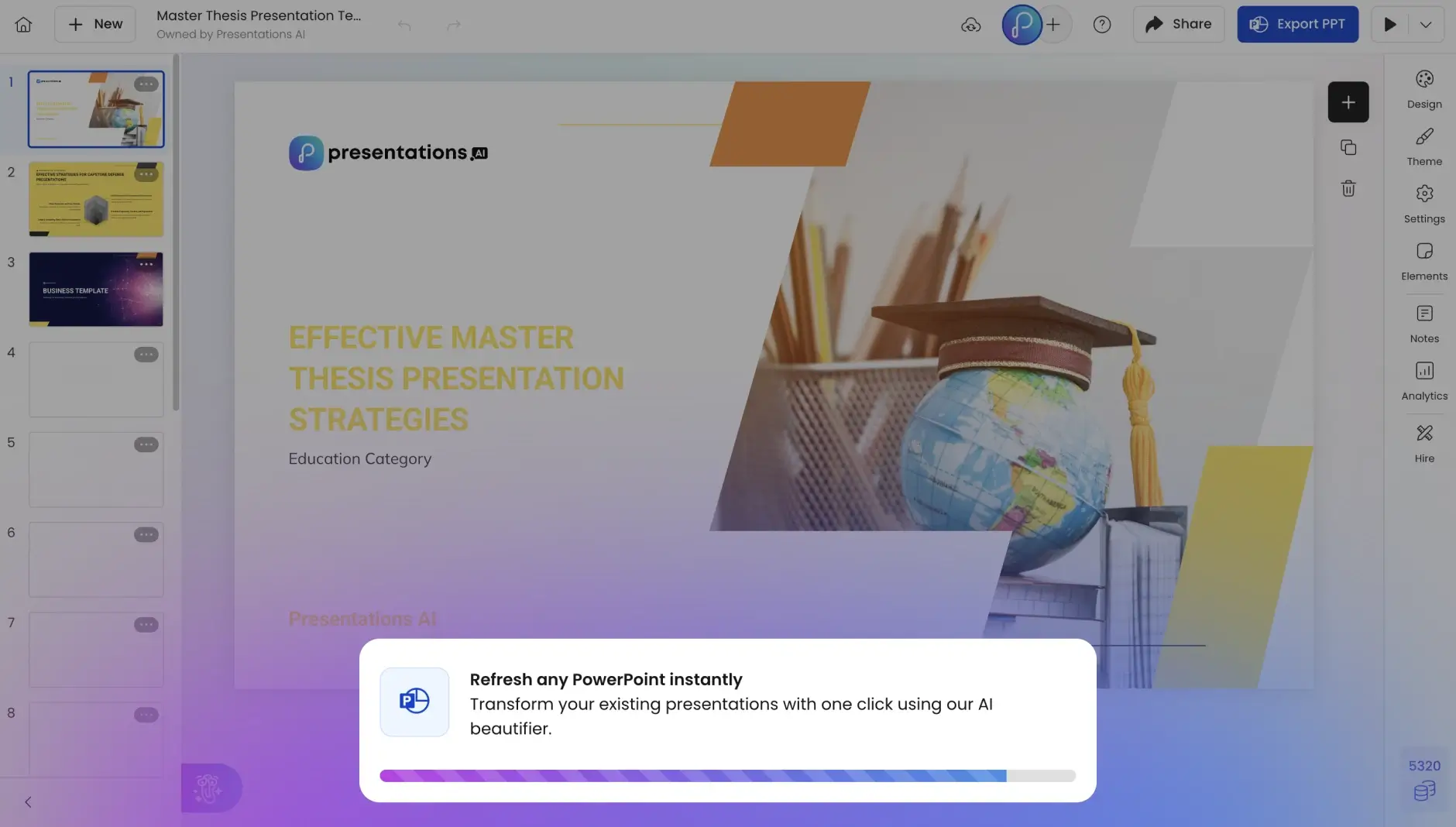
Step 3: Watch Your PowerPoint Build Automatically
In 30 seconds, your PDF transforms into a complete PowerPoint presentation with professional slide layouts, editable text, native PowerPoint tables, high-resolution graphics, and automatic animations.
Step 4: Review Your Converted Presentation
Preview immediately as a slideshow. Unlike basic PDF to PPT tools that create static images, you get fully editable PowerPoint elements, preserved formatting, professional transitions, speaker notes, and clickable hyperlinks.
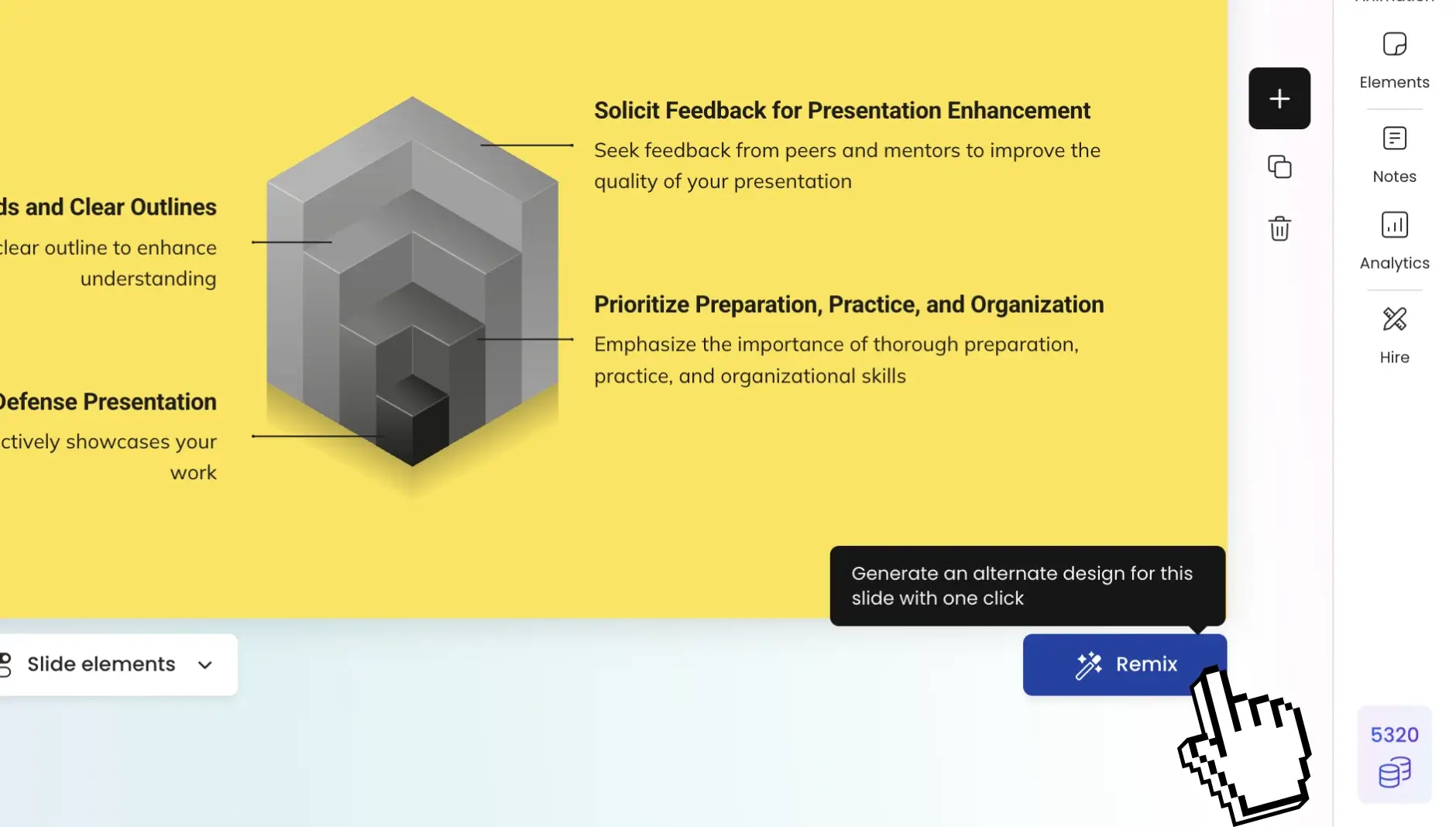
Step 5: Make any changes you deem fit
You can expand on the AI-generated draft and effortlessly make any changes you wish to the text, images or layouts from right within the editor. You can also add more slides if you wish to do so.
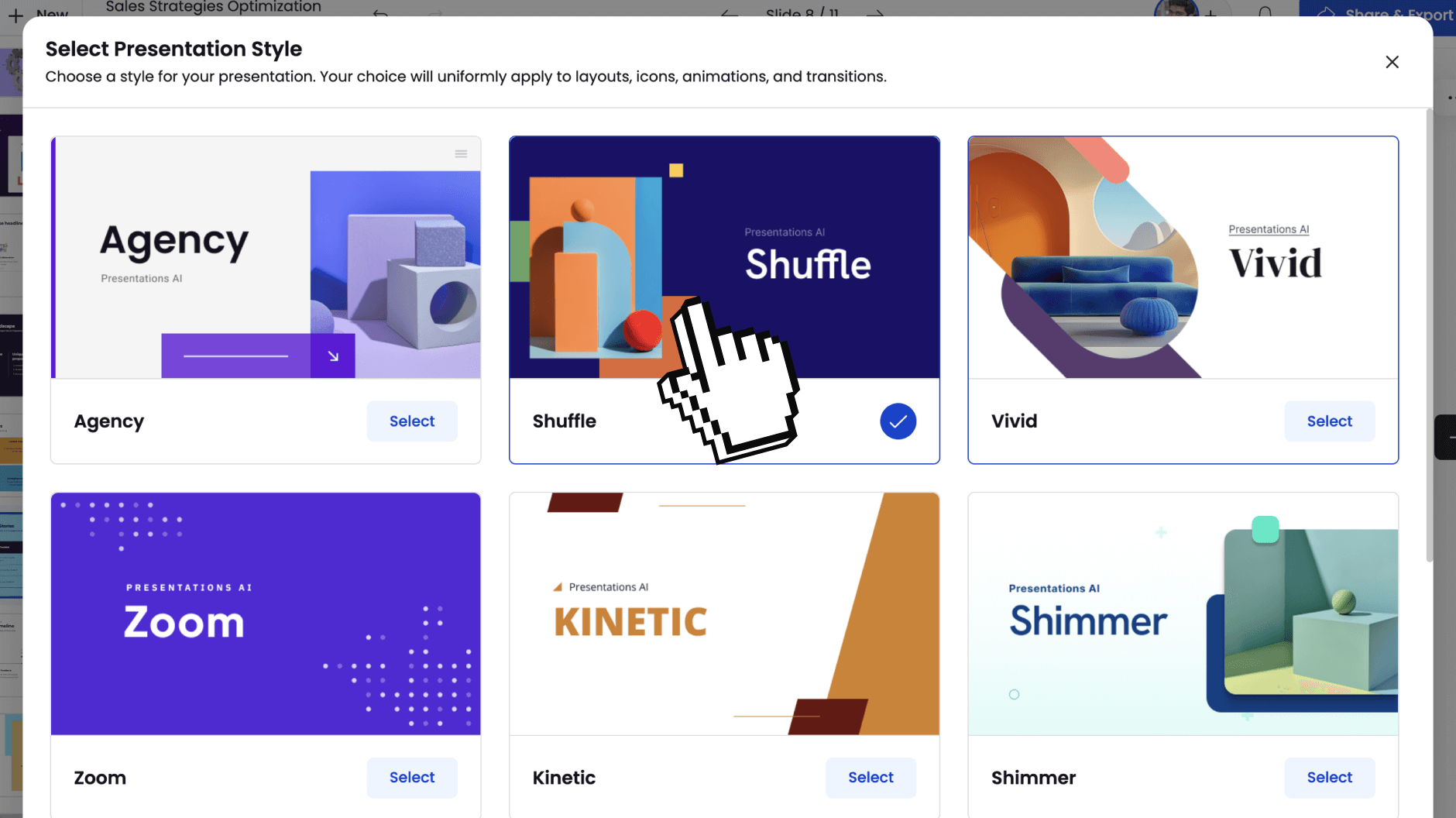
Step 6: Share Anywhere
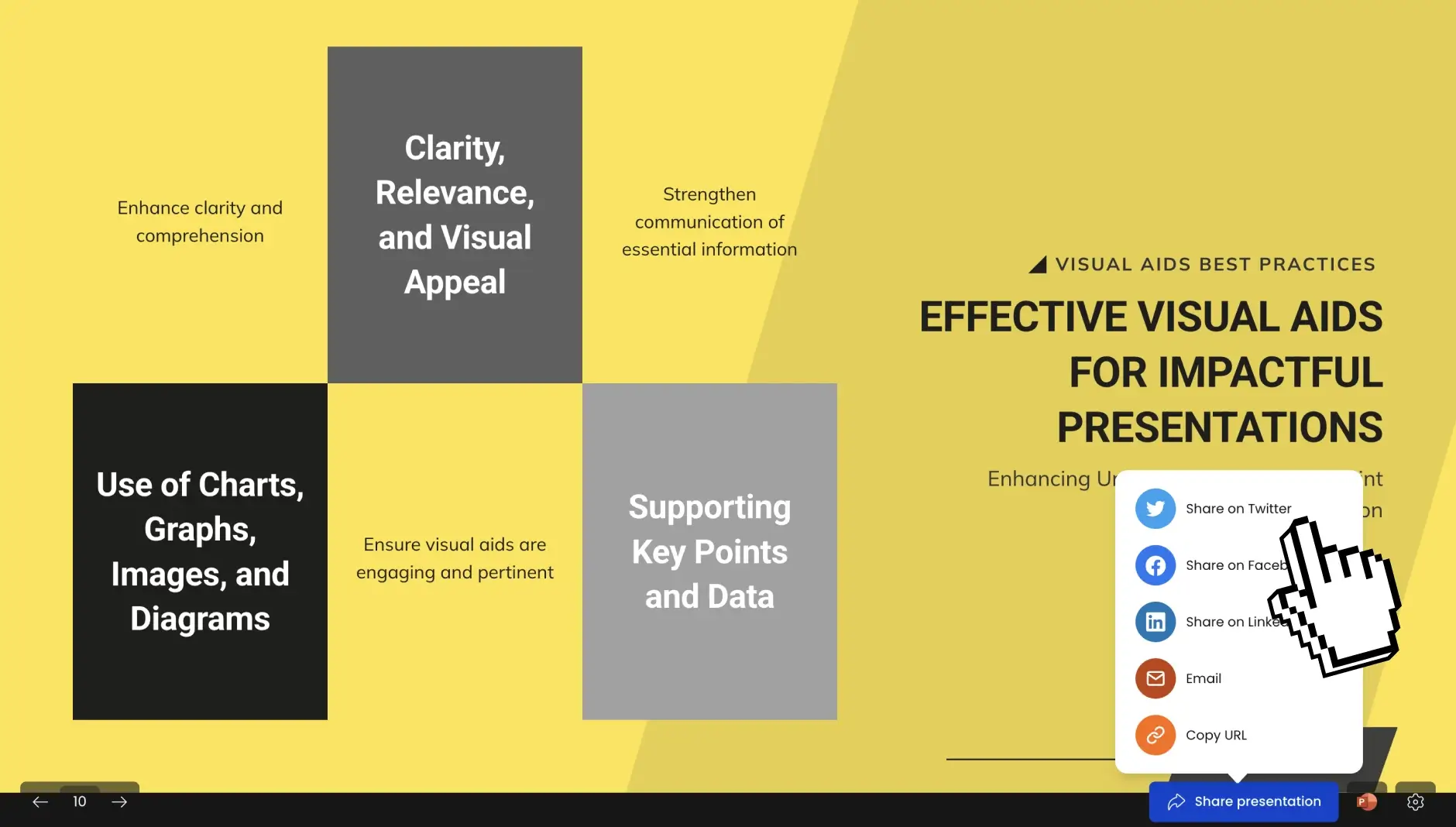
Once you are satisfied with the output, you can share your deck with the world by publishing it as a link or you can invite selected team mates to view and edit it with you. You can also export it to PDF or a fully-editable PowerPoint.