


AI Presentation Maker
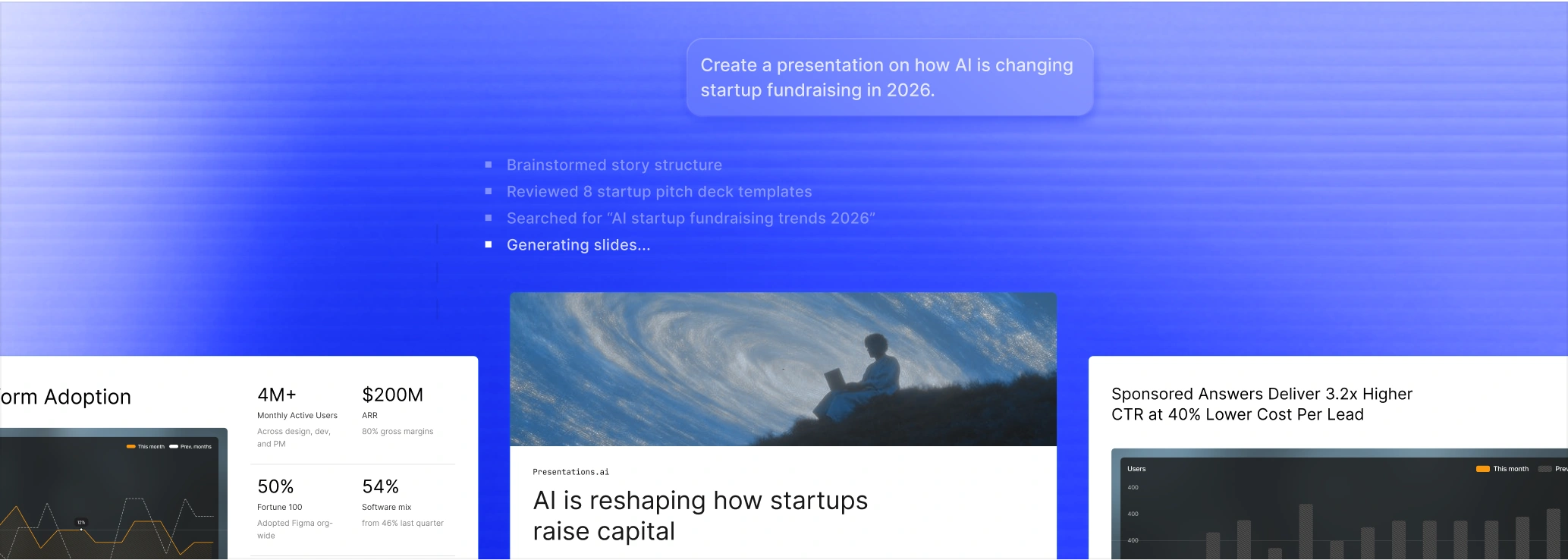
Type a topic, paste a URL, or upload a document. Our AI builds a complete, on-brand presentation in seconds - slide copy, layouts, and PPTX export included.
No credit card required

12M+ users
5M+ presentations created
14+ languages
SOC 2 Type II certified


4.8 · G2
The AI presentation maker trusted by teams that need presentations they can actually use
TRUSTED BY






What Is an AI Presentation Maker?
An AI presentation maker is an AI tool that turns a prompt, document, or URL into a complete, designed deck in under 60 seconds - writing the slide copy, picking layouts, applying your brand, and exporting to PowerPoint automatically.
It works with multiple input formats - a text prompt, PDF, Word doc, URL, YouTube video, or an existing PowerPoint file - so you can start from whatever content you already have.
Traditional tools like PowerPoint, Google Slides, Keynote, and Canva make you build every slide manually - picking layouts, writing copy, sourcing visuals, fixing spacing. An AI presentation maker eliminates all of that: type your topic, and the AI generates a complete, designed deck ready to present or export.
A deck that costs $300–$3,500 from a freelancer takes seconds with our AI presentation maker - with no design skills, no back-and-forth, and no waiting.
Everything a Powerful AI Presentation Maker Does
One AI presentation maker. Eight features that replace an entire design workflow.
AI-Powered Slide Generation
Type a topic or paste your content. Our AI presentation generator writes the copy, picks the layouts, and builds a 10–15 slide deck in about a minute, in any of 14+ languages - no blank page, no formatting work.
Multimodal Inputs
Start from whatever you already have: a text prompt, an outline, a PDF or Word doc, a URL, or a YouTube video. The AI pulls out the key points and builds a complete deck, so you don’t have to rewrite or reformat a thing.
Brand Sync
Paste your company URL and Presentations.AI pulls your logo, colors, and fonts straight from your site, then applies them across every slide. In Canva and Gamma you set up your brand manually every time you start. Brand Sync does it once and reuses it on every deck your team builds after that.
Anti-fragile Templates
Add a paragraph, swap an image, or delete a bullet - and the layout adapts instead of breaking. In other tools, content changes collapse the design: text overflows, images push off-canvas, alignment falls apart. Anti-fragile Templates recalculate spacing and hierarchy automatically, so your slides stay polished no matter how much you edit.
PPTX, PDF & Link Export
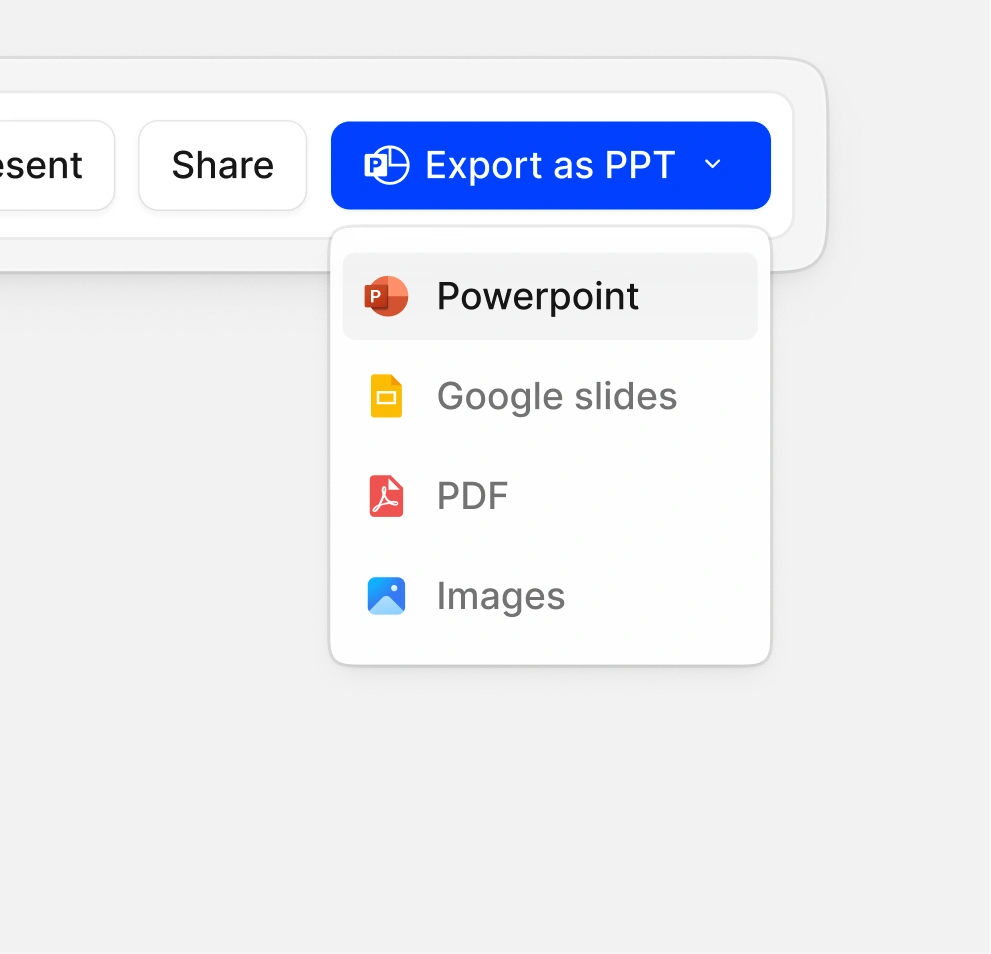
Download a native .pptx with editable text, shapes, and layouts. Open it in PowerPoint, share a live link, or save it as a PDF - same deck, three ways to deliver.
Real-Time Collaboration
Edit the same deck with your team at the same time. Leave comments on specific slides, track changes, and stop emailing files back and forth.
Presentation Analytics
Share a link instead of an attachment. See who opened the deck, how long they spent on each slide, and whether they finished. Useful for spotting which slides lose attention and which prospects are actually engaged before you follow up.
100+ Designer Templates
Pick a template that already fits what you're building - pitch decks, sales proposals, board reports, course material, or product launches. Each one is designed for the actual scenario, so you start with a structure that works instead of a blank slide.
Who Uses Our AI Presentation Maker?
Business & Sales Teams
Marketing & Creative Teams
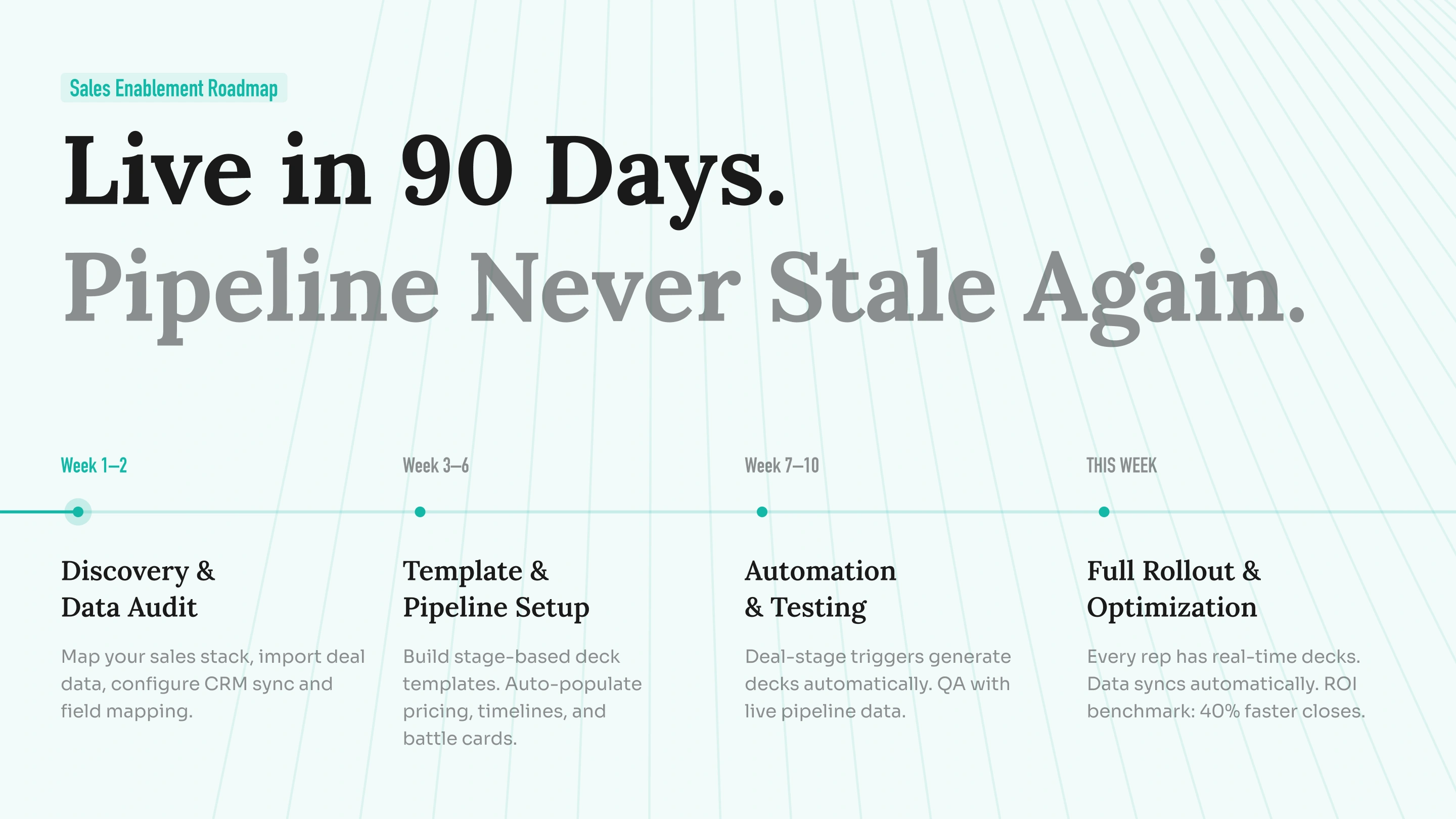
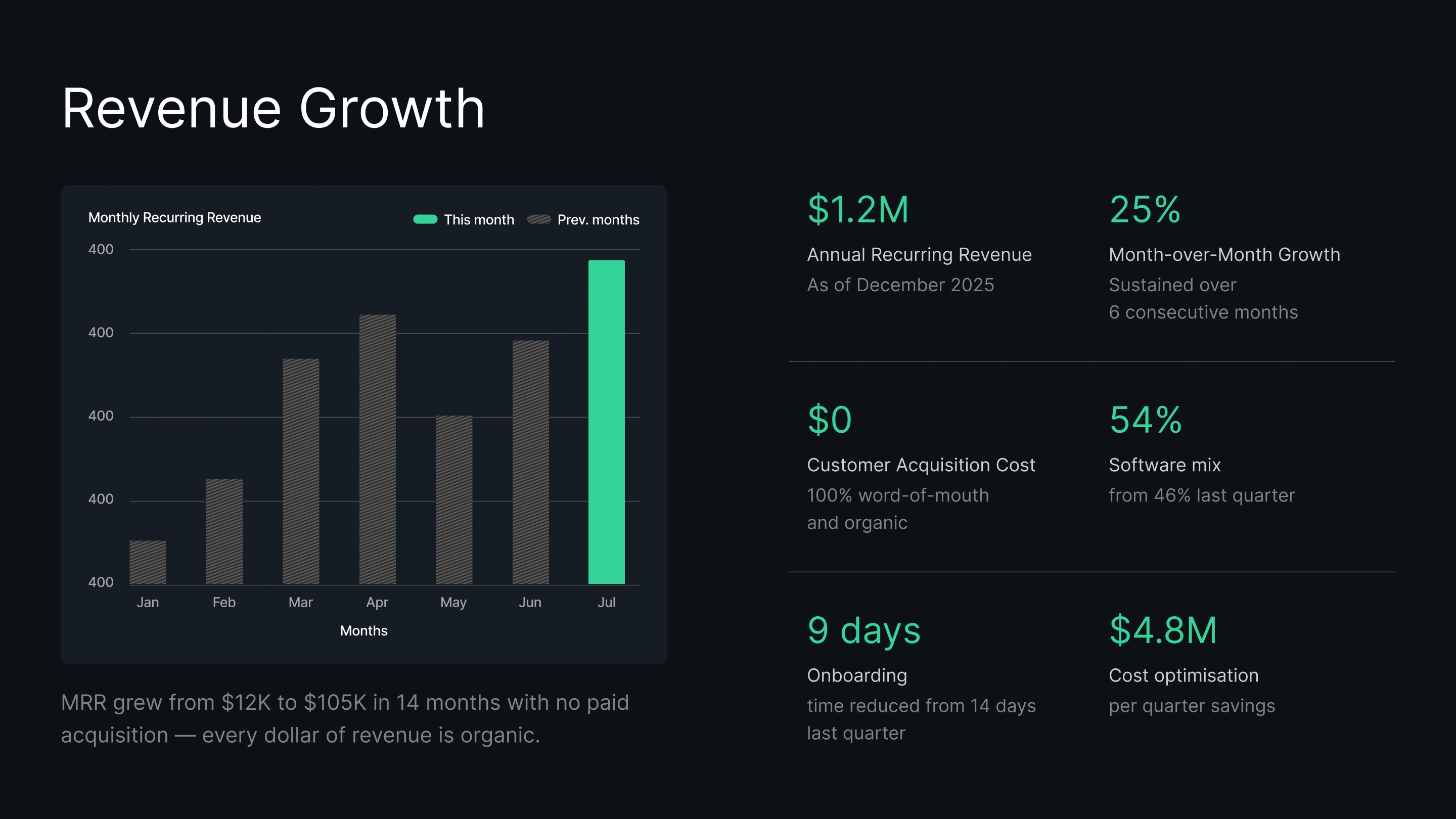
Startups & Founders
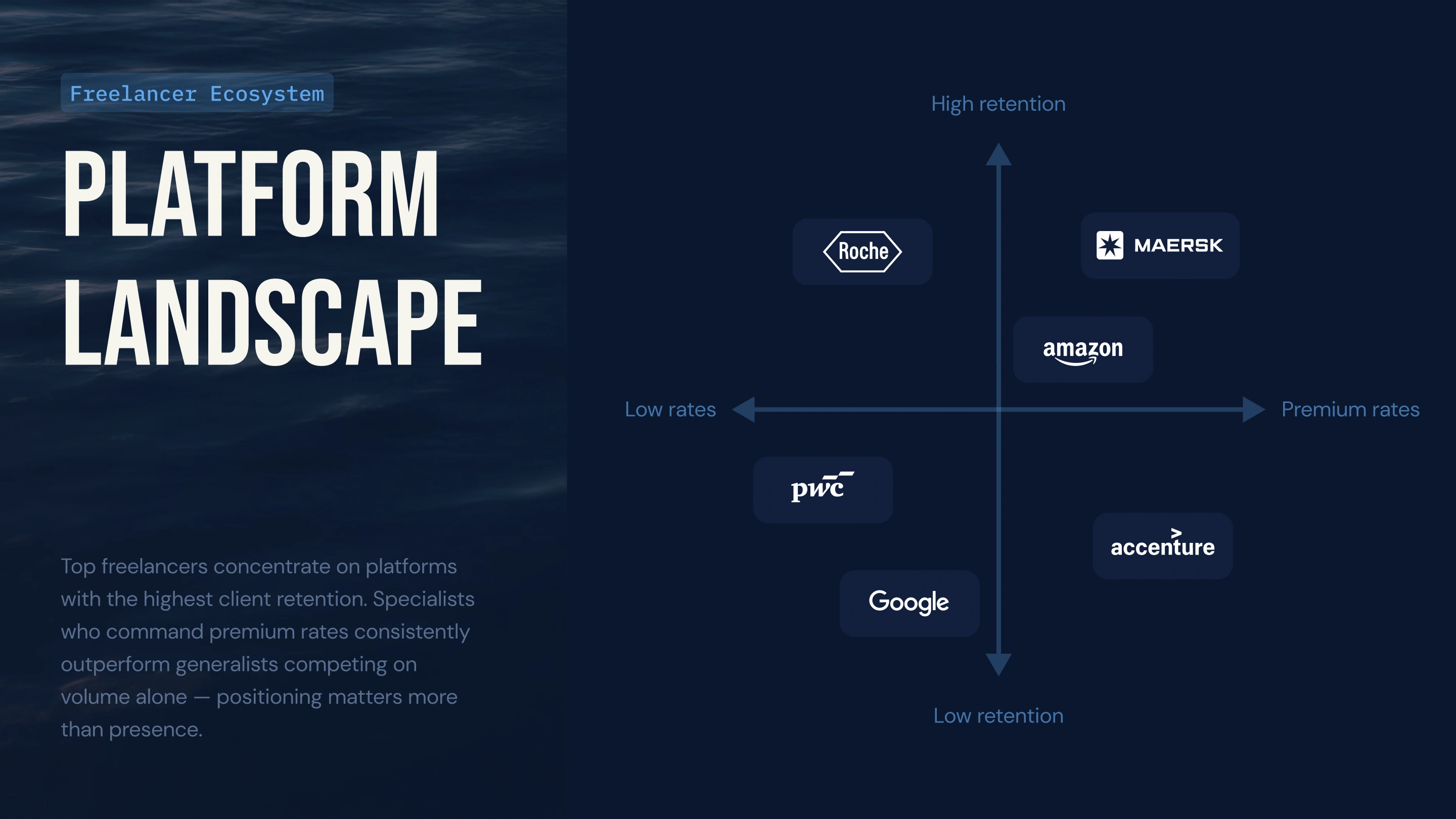
Consultants & Agencies
Students & Educators

How to Make an AI Presentation in 3 Steps
1
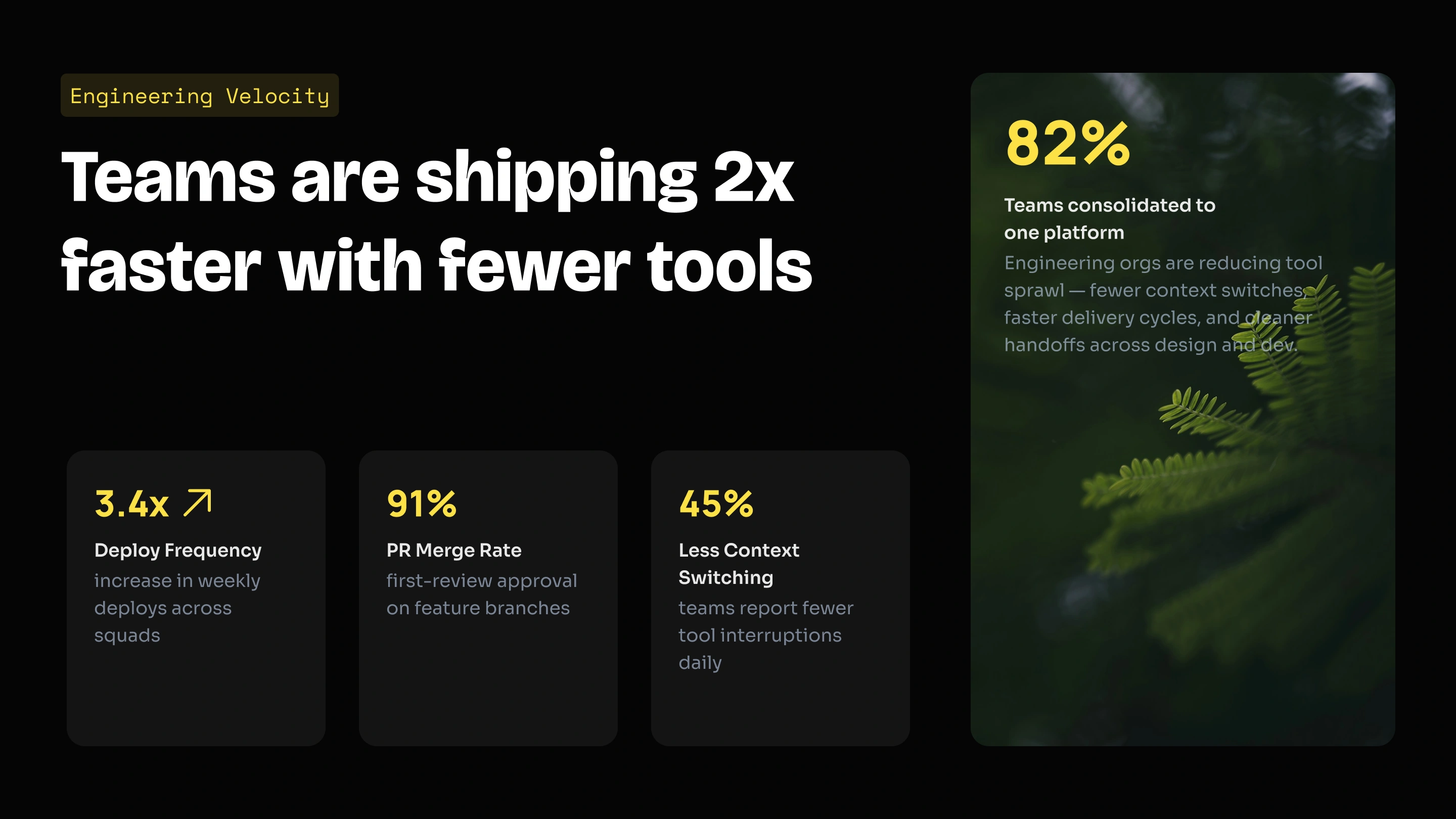
Type a topic, paste an outline, or upload a PDF, Word doc, or URL
2
AI generates your presentation - slides, copy, and layout
3
Customize your slides and export as PowerPoint, PDF, or live link
Type a topic, paste an outline, or upload a PDF, Word doc, or URL
Type a topic, paste an outline, or upload a PDF, Word doc, or URL, in any of 50+ languages. The AI reads your input, pulls out the key points, and shapes them into a logical slide order to build from.
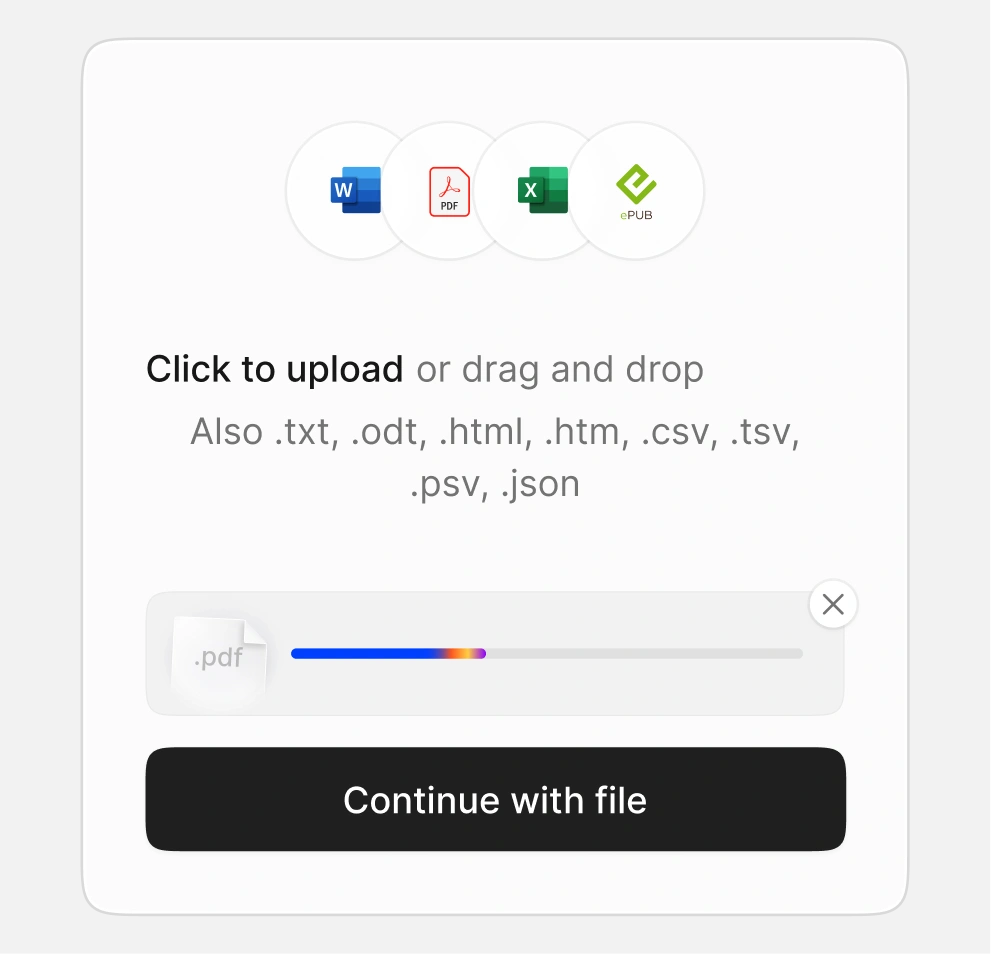
AI generates your presentation - slides, copy, and layout
Presentations.AI generates the slide copy, selects the right layout for each slide type, and applies your brand colors and fonts automatically. The AI presentation creator produces a complete, designed deck ready to review and edit.
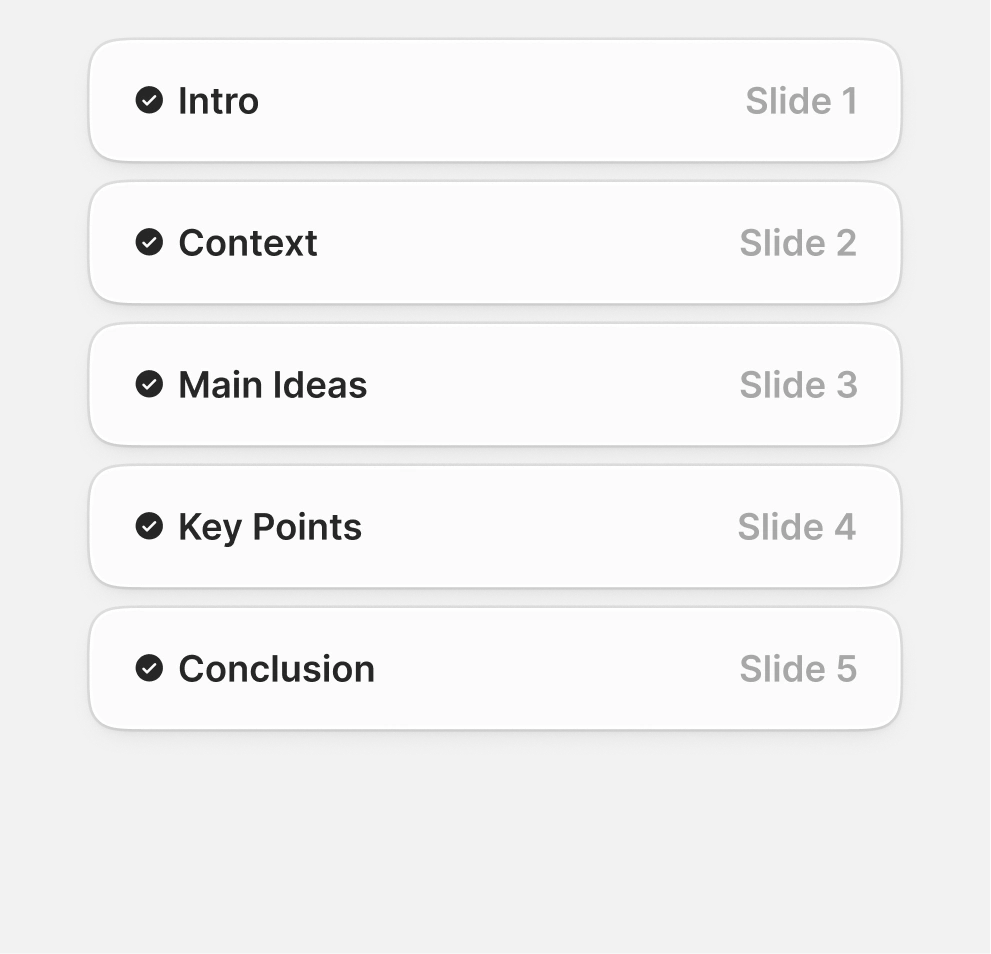
Customize your slides and export as PowerPoint, PDF, or live link
Edit anything in the drag-and-drop editor - text, images, layouts, or colors. Export as native .pptx, PDF, or share a live link with slide-level engagement analytics.
AI Presentation Maker vs Manual Slide Creation
AI Presentation Maker Templates for Every Use Case
Free AI presentation templates - built for every audience, ready in seconds.

Investor Pitch Deck template:
Problem, solution, market size, traction, team, financials, and ask - built for seed and Series A founders.

Sales & Proposal Deck template:
Company overview, services, case studies, pricing, and next steps. Polished, on-brand client decks every time.

Campaign & Strategy Deck template:
Campaign briefs, market analysis, channel strategy, and performance reporting - designed for marketers in a hurry.

Lesson & Course Deck template:
Lesson plans, lecture material, and student-facing course presentations with clear visual hierarchy and pacing.

Board & Quarterly Review template:
Quarterly reviews, board updates, and executive summaries. Data visuals and exec-friendly layouts pre-built.

Product Launch Deck template:
Product features, GTM plan, market opportunity, and roadmap - ready for internal alignment and external launches.

Testimonials
Trusted by teams worldwide - here's why they switched to an AI presentation maker

I needed a pitch deck for investment but had no business background. Your AI created a near-perfect presentation in minutes.

Your product is clearly extremely good with the research part. I got data about the startup that I didn’t even know existed. The design and the animations are also great, and I found the overall product a really helpful, useful and dynamic tool.

Your product was very good at creating a presentation based on my prompt and short brief of a technical topic. The subject content generated for the scenarios was particularly interesting in how it was structured and the layout with use of animation was particularly surprising. Overall a game changer!

After drafting long documents, I struggle to summarize them and prepare presentations. I found the platform surprisingly intuitive and effective. The quality of the presentation is exactly what we needed for our first client presentation.



Frequently Asked Questions
What is an AI presentation maker?


An AI presentation maker is a tool that builds complete slide decks from text, documents, or data - without you having to design or format anything. You give it the input; the AI handles the structure, copy, and layout.
Presentations.AI takes it further: it turns your ideas into clear, decision-ready decks that help your audience understand and act.
How does an AI presentation maker work?
You give it an input - a topic, a prompt, a Word doc, a PDF, or a URL. The AI reads your content, builds the slide structure, writes the copy, picks the right layout for each slide, and applies a clean design across the deck. The full deck is ready in under 60 seconds.
What can I use to create a presentation - a prompt, PDF, or Word file?
All of the above. You can start with a short topic prompt, paste in your notes, upload a Word document or PDF, or share a URL. The AI presentation maker pulls the key ideas from your input and turns them into a full slide deck.
Can I edit the slides after the AI creates them?
Yes. Every slide is fully editable. You can change the text, swap images, move slides around, or update colors using the drag-and-drop editor. You can also ask Clip-E, our built-in AI assistant, to rewrite a section for you.
Will the slides match my brand colors, fonts, and logo?
Yes. Brand Sync pulls your logo, fonts, and colors straight from your company website. Once it's set up, every new deck is on-brand from the first slide - no manual styling needed.
Can I export my AI presentation as a PowerPoint file?
Yes. You can download your deck as a native .pptx file - a real PowerPoint file with editable text, shapes, and layouts, not a flat image or PDF. Anyone with PowerPoint can open it and edit it like a normal file.
Can my team work on the same presentation together?
Yes. Real-time collaboration is built in. Your team can edit the same deck at the same time, leave comments on specific slides, and track changes without sending files back and forth.
What languages does the AI presentation maker support?
Presentations.AI works in 14+ languages, so you can create and present in the language your audience speaks.
Is the AI presentation maker free to use?
Yes. The Free plan includes 100 credits to start - enough to build complete presentations, No credit card needed. If you need more, the Pro plan ($20/mo) gives you 5000 credits, PowerPoint export, Brand Sync, deck analytics, and team features.
How is this different from PowerPoint or Google Slides?
PowerPoint and Google Slides give you a blank canvas - you decide every layout, write every word, and style every slide yourself. The AI presentation maker gives you a finished deck in under a minute, on-brand and ready to present. You can still edit anything you want.
Is my data safe and secure on Presentations.AI?
Yes. Presentations.AI is SOC 2 Type II certified. Your content is encrypted both in transit and at rest, and your files are never used to train public AI models.
PRICING
The perfect plan for every team
Start free, no credit card required. Upgrade when you need more credits, models, and brand control.

Free
For those who want to make simple decks occasionally
$0

100
credits

Starter AI model and agent

Up to 20 Slides

Pro
For individuals who present regularly and cannot afford rough edges.
$20
/mo
Billed annually
5,000
credits
All Basic features plus the following:
Advanced AI Models and agents

Presentation tracking & analytics

Basic brand customization

Gold
For professionals where presentation quality affects revenue, credibility, or decisions.
$100
/mo
Billed annually
50,000
credits
All Pro features, plus the following:
Frontier AI models and agents
Advanced brand customization

Projects with a shared knowledge base

Just exploring?
The free plan lets you build complete presentations - no credit card needed.